
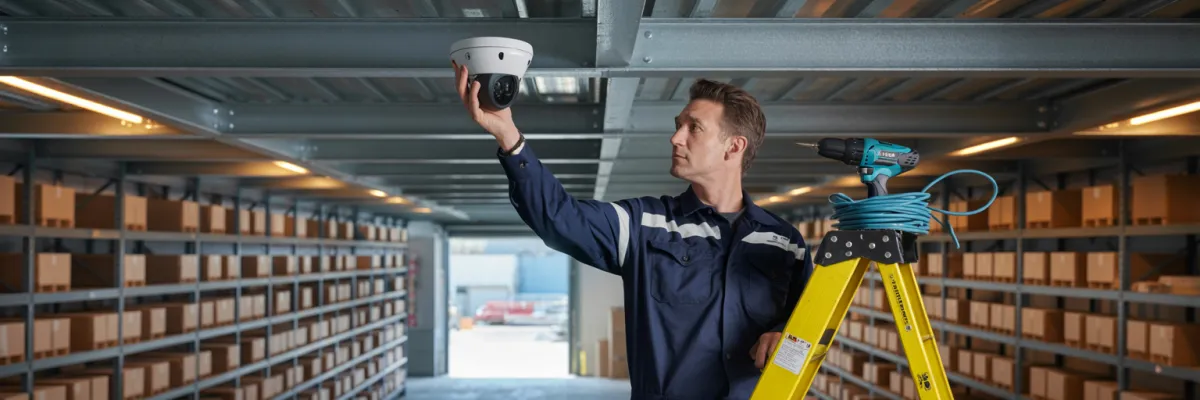
NVR vs DVR for Business: Which CCTV System Is Better?
Your old analogue cameras captured the break-in. But when the detective asked for the footage, you had to admit the truth — you couldn't make out a face, a number plate, or even a jacket colour. So what's the point of a system that doesn't actually work when you need it most?
If you're comparing NVR vs DVR for your business right now, you're asking exactly the right question — and you're asking it at the right time.
Upgrading your security system isn't just a cost on the books. It's the difference between handing police a clear screenshot of someone's face at 2am — and handing them a pixelated blur that leads nowhere. One of those resolves an incident. The other just documents that one happened.
By the end, you'll know exactly which system to choose — and what questions to ask any installer who tells you otherwise.
Which Is Better for Small Business: NVR or DVR?
For most small businesses, NVR (Network Video Recorder) is the better choice. Here's why:
DVR systems may still suit businesses with existing analogue infrastructure looking for a short-term bridge solution. But for any new installation, NVR is the professional standard.
What Is an NVR System — And How Is It Different From DVR?
Before you can make a confident decision, you need to understand what you're actually comparing. Not the marketing version — the plain English version that tells you what's happening inside your walls and why it matters.
NVR Explained in Plain English
NVR stands for Network Video Recorder. It records footage from IP cameras — cameras that connect to your business network the same way your laptop or printer does.
Here's the key thing most installers don't explain clearly: with an NVR system, the camera does the processing. Each IP camera captures and compresses the footage on-board, then sends a clean digital signal across your network to the recorder.
Think of IP cameras like smartphones on your network. Each one is a smart device in its own right — it's not just a lens pointed at a wall, it's doing real work before the footage even reaches the recorder.
The cabling is Cat5e or Cat6 ethernet — the same cable type used throughout most modern commercial fit-outs. And because NVR systems use PoE (Power over Ethernet), one cable carries both power and data to each camera. No separate power runs. Cleaner installs. Less disruption to your fit-out.
DVR Explained in Plain English
DVR stands for Digital Video Recorder. It records from analogue cameras connected via coaxial cable — the older, thicker cable you've probably seen in buildings that haven't been upgraded in a while.
With a DVR system, the recorder does the processing. The camera captures a raw analogue signal and sends it down the coaxial cable to the recorder, where it gets converted to digital. That's an extra step — and every extra step is a place where quality gets lost.
If you've got cameras that have been there since before you last renovated, there's a good chance you're running analogue.
Coaxial cable has real limitations. The runs are fixed. Signal degrades the longer the cable run gets. And expanding the system means running new coaxial back to the recorder every single time — which adds up fast in cost and complexity.
The One Difference That Actually Matters
Everything else — the app, the storage, the remote access — flows downstream from this one fact: the camera is where quality is determined.
IP cameras used with NVR systems start at 2 megapixels and scale all the way to 4K. Analogue cameras used with DVR systems top out at around 700TVL — which translates to roughly 0.4 megapixels. That's not a small gap. That's the difference between footage that's useful and footage that's decorative.
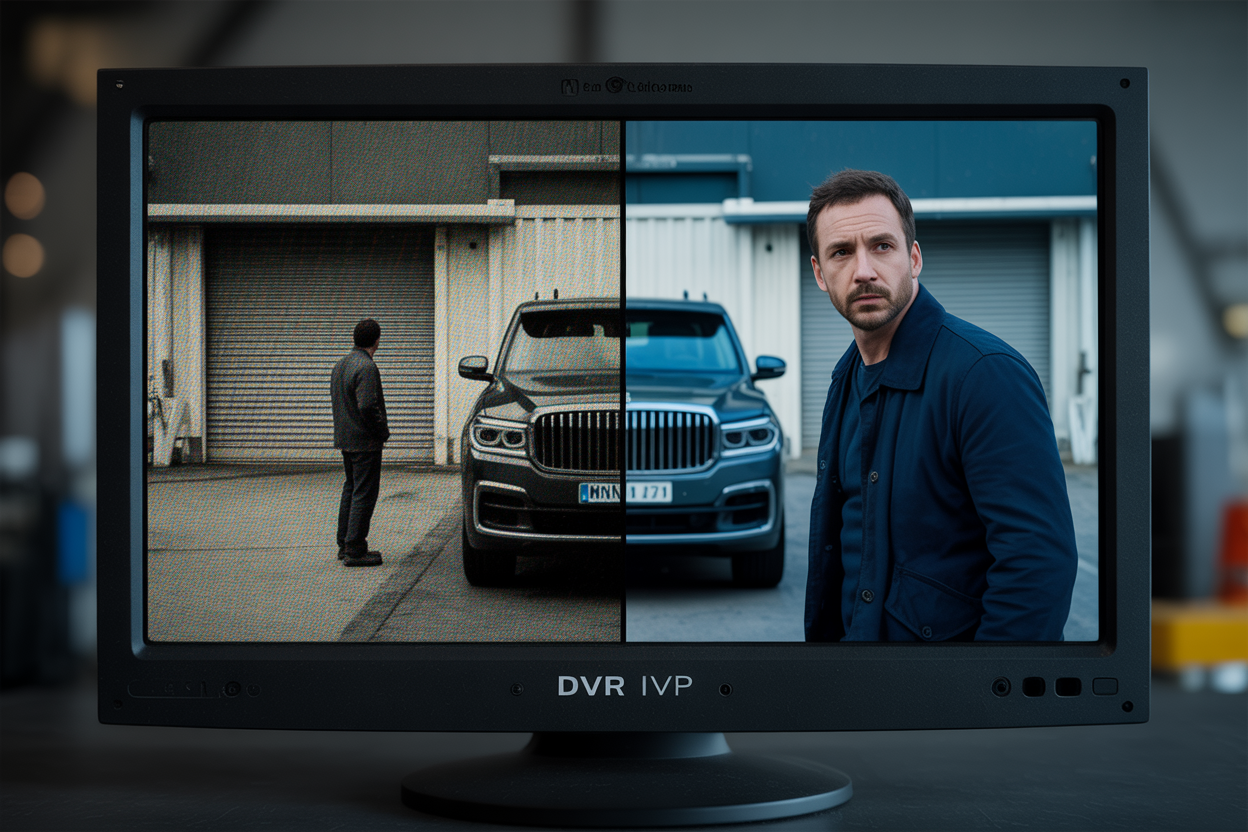
Here's what that looks like in practice. An analogue DVR camera positioned 10 meters from a car park entry cannot reliably capture a readable number plate. An IP camera at the same distance can — clearly, in most lighting conditions.
"The footage your camera records today is the evidence you'll rely on in the worst moment of your business career. Resolution isn't a luxury — it's the whole point."
You're not installing cameras to prove something happened. You're installing them so that when something happens, you can prove exactly what it was, who did it, and when. That requires resolution. And resolution is where DVR runs out of road.
NVR vs DVR — The Side-by-Side Comparison Business Owners Actually Need
Now that you understand how each system works, let's get to what actually matters — how they perform in the real world, side by side.
Image & Footage Quality
NVR systems with IP cameras start at 2MP and scale to 4K. Wide dynamic range handles the situations that trip up inferior cameras — a car park entry where sunlight blows out the background, a retail floor with mixed lighting, a loading dock at 3am. Low-light performance on modern IP cameras is genuinely good. Not "good enough" — actually good.
DVR analogue systems can reach 1080p on paper — analogue HD does exist — but real-world quality rarely matches the spec sheet. Compression artefacts, signal degradation over long cable runs, and inferior lens quality all chip away at what actually gets recorded.
And here's the part that's becoming a real problem for businesses running older DVR systems: Queensland Police and most commercial insurers now expect HD-quality footage for claims. Analogue footage is increasingly being rejected — not because something wasn't captured, but because what was captured isn't clear enough to act on.
That's a brutal position to be in. Your cameras were running. The incident was recorded. And it still doesn't help you.
Remote Access & App Reliability
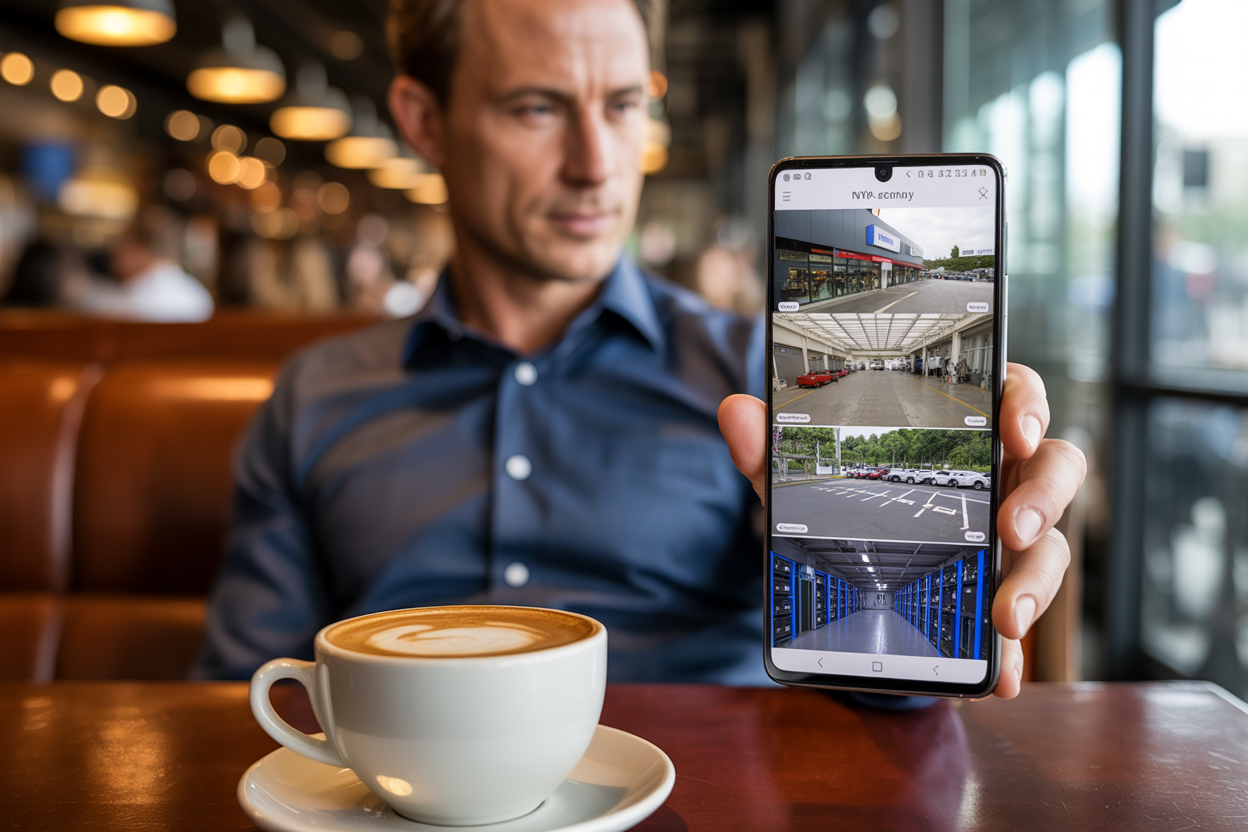
NVR systems are built for remote access. IP cameras connect through your business network — live viewing and footage playback through iOS and Android apps (Hik-Connect, DMSS, and similar) is how the system was designed to work. It's not a workaround. It's the architecture.
DVR systems can technically support remote access, but it often requires port forwarding on your router — a configuration step that's fiddly to set up and fragile to maintain. One modem replacement or internet provider change and your remote access stops working.
If you need to pull footage from your phone while you're interstate, at the airport, or at a supplier's office, a DVR system will let you down at exactly the wrong moment. If the app is unreliable, the system is unreliable — full stop.
"Judge the system by the app. If the app is clunky, the system will be clunky."
Installation & Cabling
NVR installation uses Cat5e or Cat6 ethernet with PoE — one cable per camera carrying both power and data. That means a cleaner commercial fit-out, easier concealment in ceilings and walls, and no separate power point required at each camera position.
DVR installation requires coaxial cable plus a separate power run to each camera. It's bulkier, harder to conceal neatly, and in heritage or heavily renovated commercial spaces, it causes considerably more disruption.
One practical note: if your building already has coaxial cable runs in good condition, a DVR upgrade might look attractive from a cost perspective in the short term. That's a legitimate consideration — and we'll come back to it honestly in a later section.
For larger warehouses and industrial facilities, cable run length is a real factor. Coaxial signal degrades significantly beyond 50 meters. In a large facility, that's not a theoretical problem — it's a daily one. Cat6 ethernet doesn't have that limitation at typical commercial run lengths.
Scalability
This is where the practical gap between NVR and DVR becomes very obvious, very fast.
Adding a camera to an NVR system means connecting it to your existing network switch. If you've got ports available, you're done. No new dedicated cable runs back to the recorder. No major reconfiguration.
Adding a camera to a DVR system means running new coaxial cable all the way back to the recorder every single time. In a built commercial space, that's labour, that's disruption, and that's cost. Every expansion.
Picture a retail business moving from one store to two. An NVR system can integrate both sites into a single app — one login, both locations, live view and playback from your phone. A DVR system simply can't do that in any practical way.
Which System Is Right for Your Business?
The right system depends on what your business actually looks like — so let's get specific.
Retail Stores
Recommendation: NVR with 2MP–4MP cameras
Retail is where footage quality makes or breaks an outcome. At a POS counter, you need facial recognition quality at checkout distances — clear enough to identify a face, read a loyalty card, confirm a transaction. Analogue DVR cameras simply can't deliver that at any practical distance.
Key coverage positions: POS counters, entry and exit points, stockroom access, car park.
Many retail insurers now specify minimum camera resolution for stock theft claims. If your system doesn't meet that threshold, you can have footage of the entire incident and still have a claim rejected. That's not a hypothetical — it's happening to retailers running older DVR systems right now.
Hospitality Venues — Bars, Restaurants, Cafes
Recommendation: NVR — mandatory for QLD Liquor Act compliance
This isn't just a recommendation for hospitality venues. It's increasingly a legal requirement.
The Queensland Office of Liquor and Gaming Regulation (OLGR) specifies minimum image quality standards for licensed premises under the Liquor Act. Older DVR systems are increasingly falling outside those standards. A failed compliance inspection doesn't result in a fine and a warning. It puts your licence at risk.
Coverage requirements for licensed venues: front entry, bar service area, gaming room where applicable, car park, and loading dock.
Remote access is particularly important here. Venue managers need to be able to pull footage for licensing inspections without calling a technician. With an NVR system and a properly configured app, that's a two-minute job from any phone.
Warehouses & Industrial Premises
Recommendation: NVR with PTZ cameras and ANPR at entry
Warehouses and industrial facilities are where the limitations of DVR become most expensive. Long cable runs, large open floor areas, vehicle yards, perimeter fence lines — every one of those factors favours NVR architecture.
After-hours theft at industrial premises is a real and specific problem. Tools, fuel, copper, and high-value freight are consistent targets. The businesses that successfully prosecute those incidents are the ones with evidence-grade footage — clear number plates at the gate, PTZ coverage of the vehicle yard, identifiable faces at entry and exit points. That requires IP cameras on an NVR system.
IP67+ rating is non-negotiable for outdoor industrial cameras in Queensland's climate. The combination of UV exposure, humidity, and the physical environment of a working warehouse or freight yard will destroy inferior hardware faster than you'd expect.
When Does a DVR System Still Make Sense?
In the interest of giving you the full picture, here's the honest truth about when DVR still makes sense.
Existing coaxial infrastructure in good condition. If your building already has coaxial cable runs that were installed properly and are still performing well, ripping them out to run Cat6 adds cost without always adding proportional value. A DVR upgrade can work as a short-term bridge solution — improving your recorder and cameras while keeping the existing cable infrastructure intact. It's not the long-term answer, but it's a defensible short-term one.
Tight short-term budget with NVR migration already planned. If your budget right now genuinely doesn't stretch to NVR but you're committed to upgrading down the track, a DVR system is better than no system. Just go in with eyes open about what you're getting and when you'll move on from it.
Small single-room offices with minimal coverage needs. If you're covering one entry point and one reception area with no remote access requirement and no compliance obligations, the cost difference between DVR and NVR may not be justified by the outcome. It's a narrow use case, but it exists.
For everything else — any new installation, any business with compliance obligations, any operation where remote access matters, any facility where footage quality could end up in front of a police detective or an insurance assessor — the answer is NVR.
"If you're asking which system to install fresh right now — the answer is NVR, every time. DVR is legacy technology on a slow exit from the commercial market."
How to Choose the Right NVR Installer
Choosing the right system is only half the equation. The installer you choose determines whether it actually works.
Ask for an Itemized Quote
A quote that says "8 cameras, NVR system, installation included" is not a quote. It's a number. It tells you nothing about what cameras are being installed, what resolution they're recording at, how much storage the NVR holds, or what the warranty covers.
An itemized quote should include camera make, model, and resolution for each position, NVR specifications, cable type and concealment method, warranty terms, and what's included in handover — app setup, training, and a support contact you can actually reach.
Site Assessment Before Quote
Any installer who quotes your job without visiting the site is guessing at camera positions, cable run lengths, and coverage gaps. You won't find out where they guessed wrong until you need footage that isn't there.
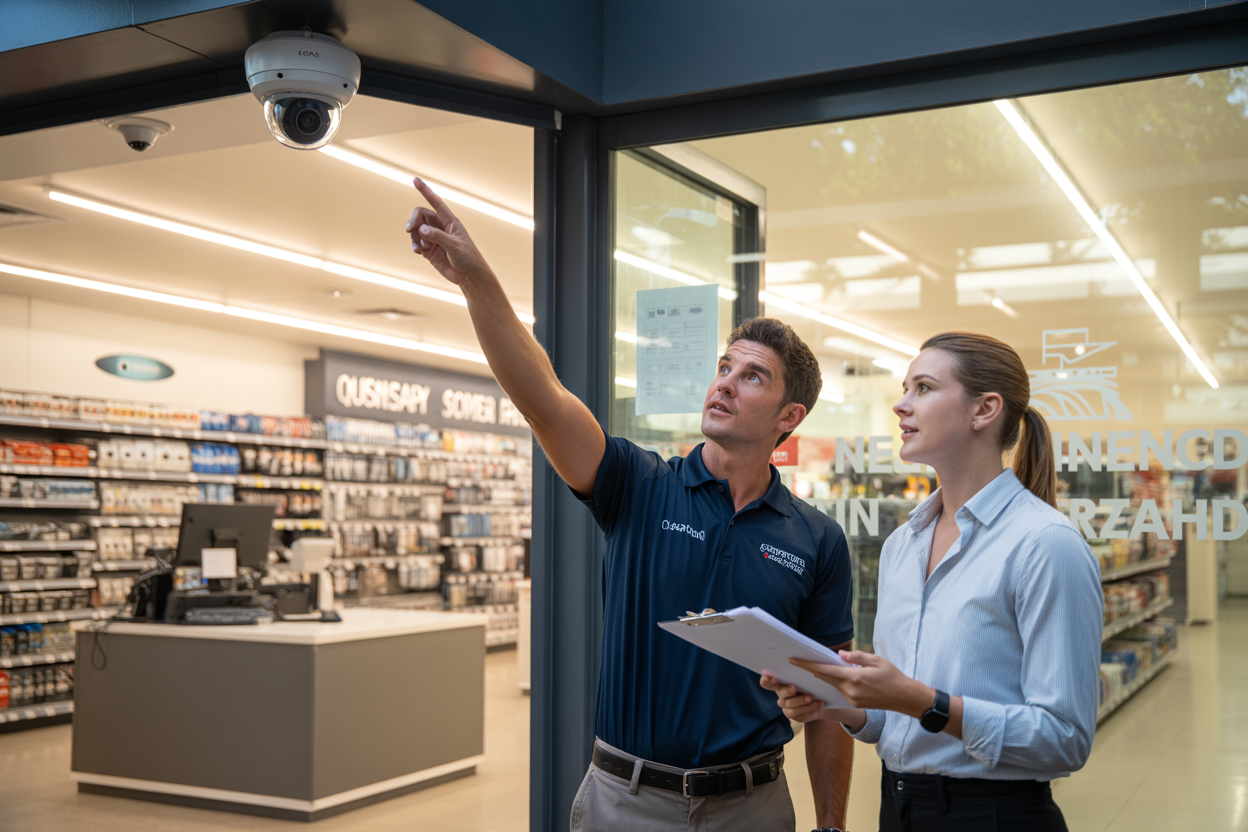
A professional commercial NVR installation starts with a site assessment — one of their installers walks your premises, identifies your actual coverage requirements, and builds a quote around what your site actually needs. That's not a sales visit. That's the work that makes the installation worth what you paid for it.
Red Flags to Walk Away From
The Bottom Line
NVR installation for business is the current commercial standard for good reason. Better footage. Reliable remote access. A system that scales with your business instead of fighting it. Hardware built for Queensland's climate. And footage that holds up when it matters most — in front of a police detective, an insurance assessor, or a Fair Work dispute.
DVR had its time. For most businesses investing in a new or upgraded system right now, that time has passed. The manufacturers know it. The insurers are starting to reflect it in their requirements. And the businesses that installed DVR systems several years ago are finding out the hard way when an incident occurs and the footage doesn't hold up.
Get the right system installed properly by a licensed commercial installer — and it'll be the last time you have to explain to a detective why you can't make out a face.

