
Enterprise Security Camera Installation Brisbane | Guide
You've decided your business needs a serious security camera system. But how do you make sure you end up with footage that's actually usable — not a blurry mess that's worthless to police and your insurer?
It's a question more business owners are asking after the fact than before it.
I've spoken to warehouse operators who discovered their entire rear loading dock was a blind spot — only after thousands of dollars worth of stock walked out overnight. Retail owners who had cameras but footage so pixelated the police couldn't make out a face. Hospitality operators who got hit with a fraudulent slip-and-fall claim and sat in front of a lawyer with nothing usable to defend themselves.
In every single one of those situations, the problem wasn't that they didn't have cameras. The problem was the planning.
Enterprise security camera installation is a different undertaking to a residential system or a basic retail fit-out. When your business has multiple entry points, large floor areas, outdoor perimeters, staff accountability requirements, and compliance obligations — the planning phase determines everything. Get it right upfront and your system runs reliably for years. Get it wrong and you're replacing components, chasing installers, and discovering blind spots after an incident.
This guide covers exactly how to plan an enterprise security camera installation — from site assessment and camera selection through to network infrastructure, compliance requirements, and what to look for in a commercial installer.
What Is Enterprise Security Camera Installation?
Enterprise security camera installation is the design, supply, and professional installation of a multi-camera CCTV system built specifically for business environments with complex security requirements. Unlike residential or basic retail systems, enterprise installations are engineered to cover large or multi-zone premises, integrate with existing network infrastructure, and produce evidential-quality footage across every critical area of the site.
A professionally planned enterprise system typically includes:
Site security assessment — identifying coverage zones, blind spots, lighting conditions, and entry/exit points
Camera selection — matching camera type, resolution, and weatherproofing to each specific location
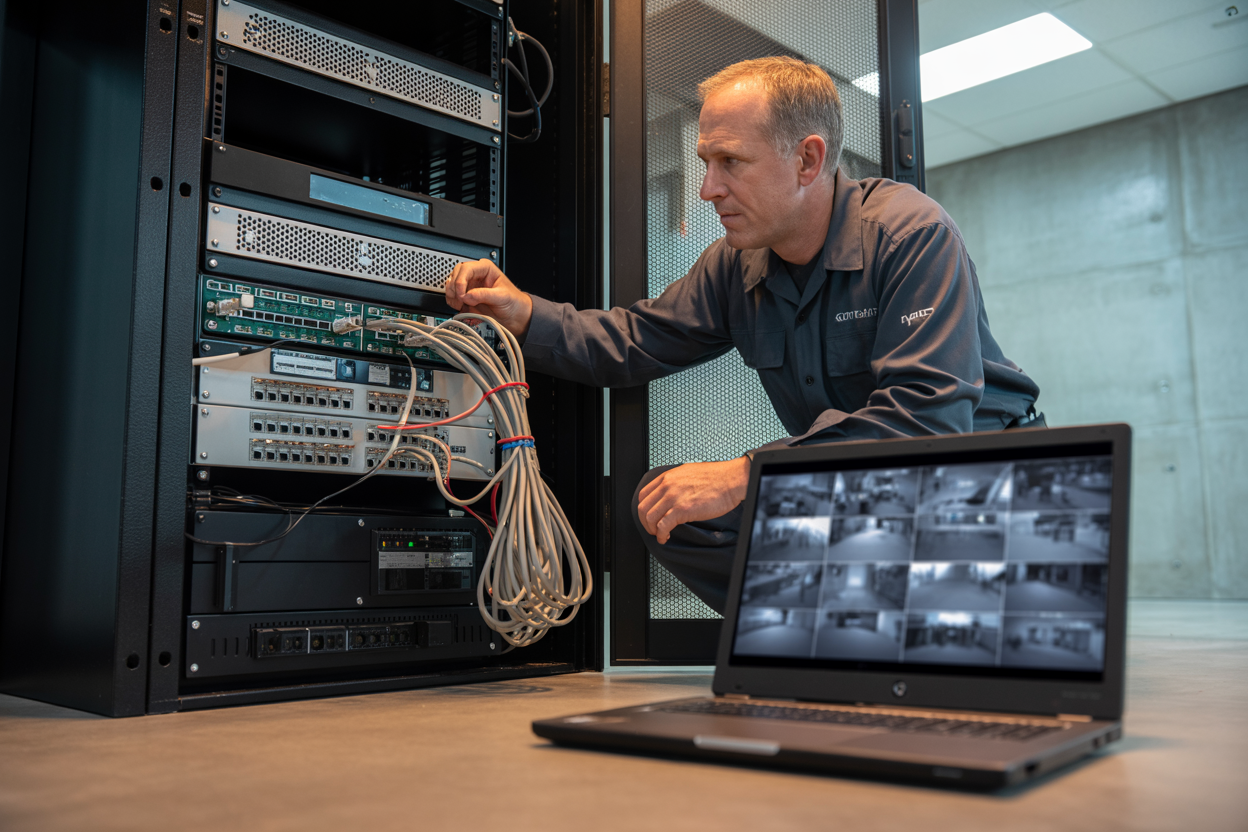
Network infrastructure planning — ensuring sufficient bandwidth, PoE switch capacity, and secure remote access
NVR or cloud storage configuration — setting retention periods that meet compliance and insurance requirements
Compliance alignment — meeting obligations for licensed venues, childcare centres, and regulated workplaces
Installer handover and training — ensuring staff can retrieve, export, and manage footage independently
Why Enterprise Security Camera Installation Requires a Different Approach
There's a version of this conversation that goes: "I'll just grab a kit from the hardware store, stick a few cameras up, and she'll be right." Those systems are cheap, they're available today, and on the surface they look like the same thing.
They're not.
The Gap Between Consumer Cameras and Enterprise Systems
Consumer-grade cameras and commercial IP systems are fundamentally different products — not just in price, but in everything that actually matters when something goes wrong and you need the footage to hold up.
That last row is the one that costs people money. Insurance companies are increasingly rejecting claims where footage is too compressed or too degraded to verify the event. You paid the premiums. You had cameras running. And the claim still gets knocked back.
The Real Cost of Getting It Wrong the First Time
A business owner gets a quote from a cheap installer — no site visit, no placement plan, just a price and a date. The cameras go up and for a while everything seems fine.
Then something happens. A staff member is suspected of theft. There's an incident at the back of the warehouse. The owner goes to pull the footage and finds out a camera wasn't positioned correctly, the resolution is too low to identify anyone, or the installer has disappeared and nobody can tell him how to export the footage.
Now he's replacing cameras, paying another installer to fix the placement, and dealing with the consequences of an incident he has no usable evidence for.
"One call-out fee from an unsupported system costs more than the premium you saved on installation."
Step 1 — Conducting a Professional Site Security Assessment
Most business owners think about cameras first and work backwards from there. A good installer does the opposite. The site assessment comes first, and everything else follows from it.
If an installer shows up to quote without doing a proper walkthrough, that's your first red flag.
What a Proper Site Assessment Covers
Perimeter and external zones:
All entry and exit points — including ones that aren't the front door
Fence lines, gates, and vehicle access points
Lighting audit — identifying low-light areas that'll compromise night footage
Blind spot analysis — walls, columns, overhangs, and obstacles that break line-of-sight
Internal zones:
POS counters and cash handling areas
Stock rooms, server rooms, and high-value storage
Staff-only zones where accountability matters
Reception and visitor access points
Infrastructure review:
Existing cabling — what can be reused?
Network switch locations and PoE capacity
NVR placement — secure, ventilated, and accessible
Internet connection quality for remote access
A written handover document with camera map, login credentials, export instructions, and warranty terms is standard for a professional install. If they look surprised by the question, that's telling.
Step 2 — Choosing the Right Camera Types for Your Business
The right question isn't "what's the best camera?" It's "what does this specific location need to do?" Answer that for every zone and the camera selection largely makes itself.
The Main Camera Types and When to Use Each
Don't let anyone oversell PTZ cameras for locations where a fixed bullet does the same job for less. And ANPR cameras are a different product entirely — a standard bullet pointed at a driveway is not an ANPR system.
Resolution and Frame Rate — Why It Matters for Evidence
2MP: Minimum for general indoor coverage at close range — not adequate for entry points or car parks
4MP: Minimum for facial recognition at entry points and POS counter capture
8MP (4K): Required for license plate capture at distance and wide-angle perimeter cameras
Low frame rates produce choppy, strobe-like playback that makes it genuinely difficult to read events accurately. 25fps is the minimum for any camera covering an area where you might need to prove a sequence of events.
Poor footage quality is almost always the result of wrong resolution for the distance, frame rate too low, or compression settings so aggressive that detail is destroyed before it's stored. All three are preventable at specification stage. None are fixable after the fact.
Step 3 — Network Infrastructure and Storage Planning
You can spec the best cameras and place them perfectly, and still end up with a system that fails you — because nobody thought seriously about what happens to the footage after it leaves the camera.
NVR vs Cloud Storage — Which Is Right for Enterprise Use?
For most enterprise installations, hybrid is the right answer — local NVR for speed and day-to-day access, cloud backup as the safety net if the NVR is physically compromised.
How Much Storage Do You Actually Need?
A 4MP camera recording continuously uses roughly 20–25GB per day. Multiply across your camera count and required retention period to get your minimum storage requirement — then add 20% headroom.
Minimum retention periods to be aware of:
Licensed venues: 31 days minimum under most regulatory frameworks
General commercial premises: 28–31 days is insurer-recommended
Regulated industries like pharmacy and healthcare: confirm against your compliance documentation
If your installer quotes without specifying the configured retention period, ask directly. The answer should come back immediately.
Remote Access and App Reliability
The non-negotiable for most business owners: the ability to open an app and see what's happening at their premises from anywhere.
P2P cloud relay access — used by platforms like Hikvision Hik-Connect and Dahua DMSS — is the modern standard. The NVR registers to a cloud relay, your phone connects to it, traffic is encrypted end-to-end, and you don't need to touch your router configuration. More reliable and secure than the older port forwarding method.
What to check: live view load time on mobile, footage search and export without calling a technician, multi-site support if you have more than one location, and notification reliability on motion events.
Step 4 — Compliance Requirements You Can't Ignore
Compliance is baked into the specification — not a separate conversation. The retention period, camera placement, resolution minimums, and signage are all dictated by your industry obligations.
Licensed venues: Coverage must include all primary entry/exit points and bar service areas, with resolution sufficient to identify individuals. Retention is 31 days minimum. You must be able to produce footage to regulators on request. Non-compliance can trigger licence conditions or suspension.
Childcare and healthcare: Privacy Act obligations apply strongly. Legal boundaries exist around where cameras can be placed and who can access footage. Treatment rooms require explicit consent. Personal care areas cannot be monitored regardless of consent. Your system must support user-level access controls.
Workplace health and safety: WHS legislation requires documented incident evidence. Footage overwritten because your retention period was too short isn't just unhelpful — it can be seen as a failure of your documentation obligations. Configure your NVR to allow manual footage locking for incident preservation.
Staff monitoring: Lawful in work areas with proper notice — typically employment contracts, workplace policies, and visible signage. Prohibited in bathrooms, change rooms, and any area where a reasonable expectation of privacy exists.

Step 5 — Selecting the Right Enterprise CCTV Installer
Everything covered in this guide lives or dies on the quality of the installer you choose.
Licenses and Certifications to Verify Before Signing
Security installation license — confirm it's current and covers the work being done
Electrical license — hardwired systems involve electrical work requiring a licensed electrician
Public liability insurance — ask for a certificate of currency, not a verbal confirmation
ABN and GST registration — required for a valid tax invoice if you're claiming the installation as a deduction
How to Evaluate a Commercial CCTV Quote
A professional quote is a document, not a number. It should include specific equipment model numbers, a written placement plan, cable run descriptions, NVR specification with calculated retention period, separate warranty terms for hardware and labor, and a named support contact.
Red flags to walk away from:
No site visit before the quote
Vague equipment descriptions without model numbers
No written placement plan
No post-install support commitment in writing
Pressure to sign quickly
Getting This Right — Final Thoughts
Enterprise security camera installation isn't a product you buy — it's an outcome you plan for. The cameras are the hardware. What you're actually investing in is evidence. The ability to walk into an insurance conversation, a police interview, or an employment dispute with footage that holds up.
What separates businesses that get this right:
They start with a professional site assessment — not a price
They specify cameras for what each location needs to do
They confirm compliance obligations before the system is designed
They verify installer licenses and insurance before signing anything
They ask the questions that reveal whether the installer will still be answering the phone when something goes wrong
That's the definition of success. Not the number of cameras. Not the brand on the housing. The outcome.

