

Corporate CCTV System Installation: The Complete Guide
What would yesterday's break-in have cost you if there was no footage?
For most business owners, that's not a hypothetical question. It's the Monday morning phone call. The police report that went nowhere because the footage was too grainy to identify anyone. The staff theft you suspected for months but couldn't prove without putting something in writing that could've cost you a tribunal hearing. And in almost every case, the problem wasn't that they didn't have cameras — it's that the system wasn't installed properly in the first place.
A mate of mine runs a small warehouse. Tools got knocked off twice in six months. He had cameras — four of them. But whoever installed them had put one pointing directly into the afternoon sun, two covering the same corner, and none — not one — covering the roller door at the back. That's the door they came through both times. Thirty-odd thousand dollars of gear gone, and all the footage showed was a very well-lit empty corner of a shed. His insurer said the footage wasn't usable. The police said the same.
A corporate CCTV system installation is not a commodity purchase. The difference between a system that genuinely protects your business and one that gives you false confidence comes down to camera placement, equipment grade, network configuration, and the expertise of whoever puts it all together.
This guide covers everything business owners need to know before investing in a corporate CCTV system — from how many cameras you actually need, to compliance requirements, to what a professional installation looks like from site assessment through to handover.
What Is Included in a Corporate CCTV System Installation?
A professional corporate CCTV system installation is a complete, end-to-end security solution — not just cameras on a wall. A quality installation from a licensed security installer typically includes:
Site security assessment — identifying coverage gaps, blind spots, and high-risk entry points specific to your premises
Camera selection and placement — matching camera type, resolution, and field of view to each location
Cabling and infrastructure — concealed, weatherproof cabling rated for local climate conditions
NVR or DVR configuration — network video recorder setup with appropriate storage capacity for your footage retention requirements
Remote viewing setup — mobile app configuration for live view and footage playback from any device
Network and cybersecurity configuration — securing your camera system against unauthorised access
Staff handover and training — so you can operate, export footage, and manage the system independently
Warranty and ongoing support documentation — written warranty terms and a clear process for post-installation support
Why Corporate CCTV Systems Are Different From Residential Security Cameras
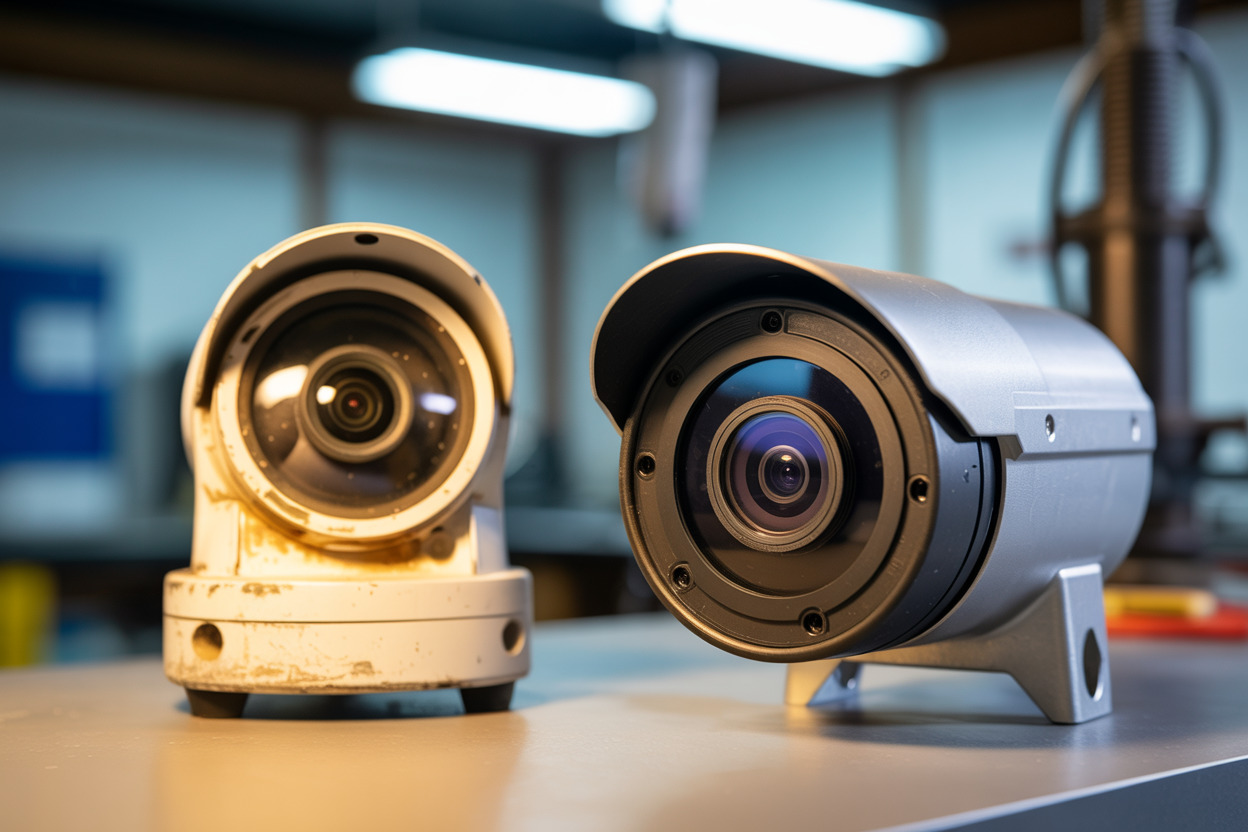
Here's something a lot of business owners find out the hard way — the cameras you buy at a consumer electronics store are not the same thing as what a commercial installer puts on your building. Not even close. And the gap between the two isn't just about price. It's about whether your footage is actually usable when something goes wrong.
There's a reason professional installers specify commercial-grade equipment. It's not to upsell you. It's because consumer cameras are designed for a suburban bedroom window — not a warehouse running 24 hours a day through storm season, extreme UV, and the kind of humidity that'll kill an undersized circuit board inside two years.
Hardware Grade and Durability
Commercial-grade cameras are built to a completely different specification than what you'll find on a shelf at a consumer electronics store.
The specs that matter most:
IP67/IP68 weatherproofing ratings — fully sealed against dust ingress and water immersion. Subtropical humidity, afternoon storm season, and sustained UV exposure will degrade an unrated camera well before its time. Commercial-grade units are engineered for it.
Vandal-resistant housing — IK10-rated housings resist deliberate impact. Relevant for any camera in a publicly accessible area, a car park, or a venue entry.
Lifespan — commercial-grade cameras are built for 7–10 years of continuous operation. Consumer cameras typically last 2–4 years before performance degrades. Over a ten-year period, you'll replace a consumer system multiple times for the cost of one commercial install.
Storage, Resolution, and Evidential Quality
This is where cheap systems fail businesses most often — not when they're installed, but the day someone actually needs the footage.
Police and commercial insurers have minimum standards for footage they'll accept as evidence. A system that doesn't meet those standards isn't just useless — it's a liability.
What you actually need:
Minimum 1080p for general coverage areas — lower resolutions can't identify faces, number plates, or clothing detail at any useful distance
4K resolution at entry and exit points — if you can't read a number plate or identify a face at the front door, the rest of the system is secondary
Adequate footage retention — retention obligations vary by industry. A short overwrite cycle means an incident discovered days later may already be gone.
Consumer camera footage is routinely rejected by insurers and police. That's not a problem you find out about until the worst possible moment.
Network Infrastructure and Cybersecurity
A corporate CCTV system runs on dedicated network infrastructure — not your business WiFi.
Consumer cameras ship with default passwords that rarely get changed, and firmware updates stop coming quickly after purchase. A properly configured commercial installation isolates camera traffic from your POS and business data, assigns static IPs, hardens credentials, and keeps footage stored locally on your NVR under your control.
Now that you understand why commercial-grade equipment matters, the next question is which type of system is right for your specific business.
Types of Corporate CCTV Systems — Which One Does Your Business Actually Need?
IP Camera Systems (NVR) — The Current Commercial Standard
If you're starting from scratch with a new commercial installation, IP cameras connected to a network video recorder are almost certainly what a professional installer will recommend.
Each camera connects via a single ethernet cable carrying both power and data — Power over Ethernet, or PoE. Footage is recorded on a dedicated NVR on your premises. Remote access is managed through a mobile app from anywhere.
Best suited to: retail, office environments, healthcare, childcare, and hospitality venues — any business operating from a fixed premises with existing network infrastructure.
Analogue HD Systems (DVR) — When an Upgrade Makes Sense
Not every commercial CCTV job is a clean-slate installation.
HD-TVI and HD-CVI technologies deliver 1080p through to 4K resolution over existing analogue coaxial cable. That means a business that's been running old cameras for years can get genuinely evidence-grade footage without the cost of recabling the entire building. A professional will assess whether your existing cable supports the upgrade, or whether full replacement makes more sense long term.
PTZ Cameras — Coverage for Large Open Areas
A PTZ — pan, tilt, zoom — camera does what multiple fixed cameras would need to do, from a single mounting point.
One well-positioned PTZ unit can monitor a wide arc, auto-track movement, and zoom in on number plates or faces at distances a fixed camera can't reach. Best suited to warehouses, large industrial facilities, commercial car parks, and construction sites.
ANPR / Number Plate Recognition Systems
ANPR cameras are purpose-built for one job — capturing vehicle registration data with enough clarity to be actionable.
ANPR cameras use specific lens configurations, shutter speeds, and IR illumination designed for moving vehicles. Businesses storing number plate data have privacy obligations — your installer should be across this before any ANPR system goes live.
Mobile and Solar-Powered Systems
Not every security camera need is permanent.
Solar-powered, 4G-connected units are fully self-contained — no mains power, no fixed network required. Best suited to construction sites, outdoor events, and short-term project locations. For temporary projects, rental often makes more financial sense than purchase.
Choosing the right camera type is step one. Step two is knowing exactly how many you need — and where to put them.
How Many Cameras Does Your Business Actually Need?
"Eight well-placed cameras will outperform sixteen poorly positioned ones every time."
The Core Variables That Determine Camera Count
The variables that actually drive camera count in a commercial installation:
Premises size and layout complexity — internal partitioning and traffic flow change coverage requirements significantly
Number of entry and exit points — every single one needs coverage, including fire exits and rear roller doors
Indoor vs outdoor requirements — outdoor cameras require weatherproofing and different lens specs
Cash handling and high-value stock locations — POS counters, server rooms, and storage areas each warrant dedicated coverage
Compliance requirements — some industries have minimum camera counts mandated by law
Camera Count by Business Type — Reference Guide
Not sure how many cameras your premises needs? Book a free site assessment and we'll map it out before you spend a dollar.
The Blind Spots Most Businesses Miss
Rear entries and loading docks — the most common break-in point in industrial areas
Car parks — frequently ungoverned by indoor systems, yet where most after-hours incidents begin
Stairwells and fire exits — access points, not just egress points
Server rooms and cash storage — internal spaces that often need coverage most
Outdoor areas during storm activity — camera placement affects footage quality in heavy rain
Strategic placement beats volume. A professional site assessment identifies the minimum effective camera count for full coverage — not the maximum sellable count.
What Does a Professional Corporate CCTV Installation Process Look Like?
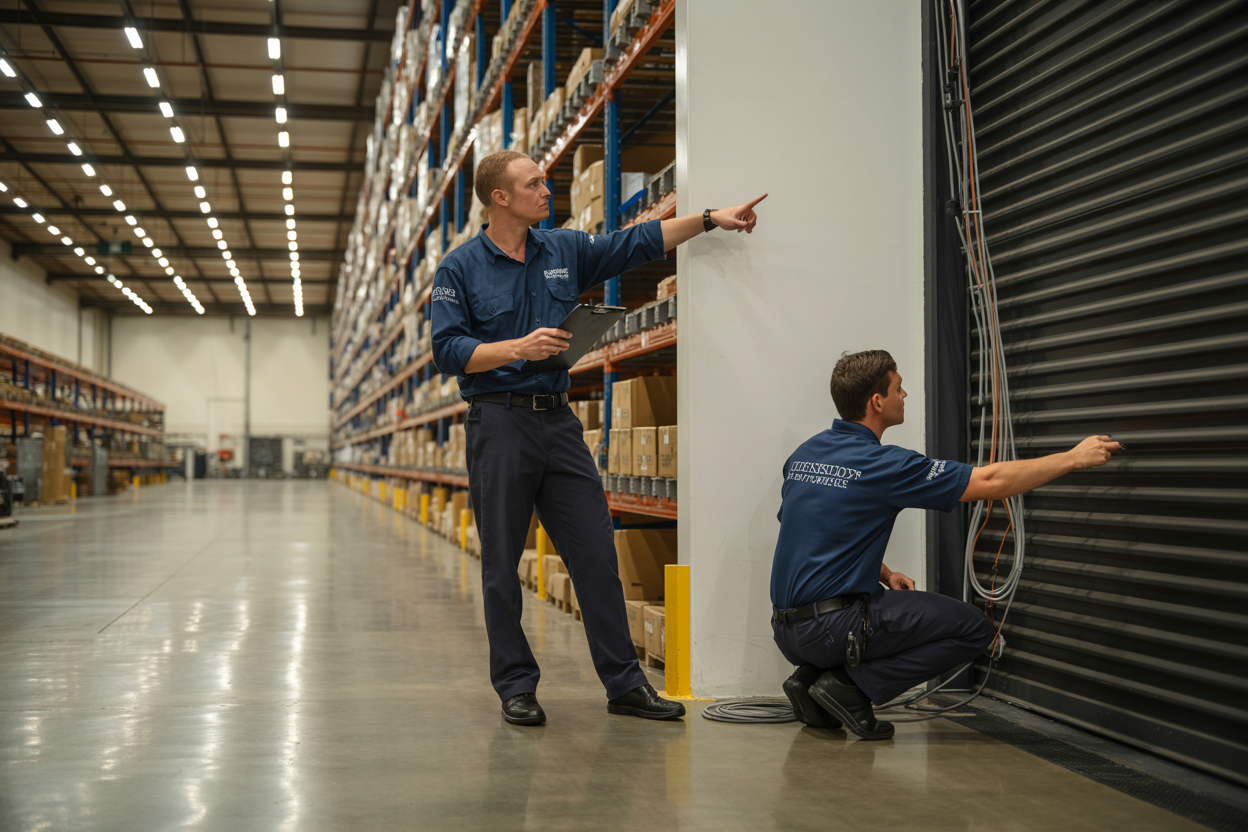
Step 1 — Site Security Assessment: A perimeter walk, entry and exit mapping, lighting evaluation, and blind spot identification — all before a single camera is ordered. A quote without a site visit is a red flag. Camera placement cannot be determined from a floor plan alone.
Step 2 — System Design and Quotation: A professional quote includes camera count with specific make and model, cabling route documentation, NVR specifications, storage retention details, warranty terms, and installation timeline. Compare that to what a lot of businesses receive: "8 cameras, NVR, installation — $X." No specs, no detail, no way to evaluate what you're actually being offered.
Step 3 — Professional Installation: Concealed conduit cabling, correctly calibrated camera mounting, deliberate NVR configuration, dedicated VLAN setup, and all outdoor penetrations sealed against weather. The details that look invisible when done properly are the ones that cause problems when they're skipped.
Step 4 — System Testing and Quality Assurance: Every camera angle checked against the original site plan. Night vision tested in actual low-light conditions. Motion detection calibrated. Remote access verified on your device before the installer leaves. The standard isn't "cameras are powered on" — it's every function tested and confirmed working.
Step 5 — Handover and Training: Full system walkthrough with the business owner, remote access demonstrated on your own device, incident workflow shown (not just described), and written documentation provided. If you walk away not knowing how to pull footage independently, the handover wasn't finished.
Step 6 — Post-Installation Support: A documented support process, remote diagnostic capability, firmware update management, and a clear process for camera failure and replacement. A follow-up check-in after installation is a small gesture that tells you a lot about how a business operates.

How to Choose the Right Commercial CCTV Installer
Licensing and Insurance — Non-Negotiables
Queensland requires a QBCC license for security installation work. Any installer operating without one is doing so illegally, and any warranty or workmanship claim you might have is essentially unenforceable. Verify the license number before signing anything — you can check it directly on the QBCC website in under a minute. Public liability insurance at a commercial level is also non-negotiable — request a current certificate of currency, not a verbal assurance.
Commercial Experience vs General Installation
A residential installer working on a commercial job is one of the most common and most costly mismatches in the security market. Commercial work involves compliance frameworks, enterprise NVR configuration, dedicated network infrastructure, and in regulated industries, specific technical standards that carry legal consequences if missed. Ask for references from commercial clients in comparable industries — not testimonials on a website, actual business owners who'll take a phone call.
Equipment Quality and Brand Transparency
Ask for the camera make and model before signing anything. A professional installer provides this without hesitation. Hikvision and Dahua commercial lines are the industry standard for a reason — commercial grade, regularly firmware-updated, and backed by real warranties. Any quote that references "commercial-grade cameras" without specifying brand or model number is hiding something.
Red Flags That Should End the Conversation
No site visit before quoting
Quote with no camera specifications or placement detail
No QBCC license number on the quote or website
Pressure to sign same-day with a discount incentive
No written warranty terms
No documented post-installation support process
Reluctance to provide references from commercial clients
Conclusion
A corporate CCTV system installation is one of the most practical investments a business owner can make — but only if it's done properly. The camera count on a quote means nothing without a site assessment behind it. The brand name on the box means nothing if the placement is wrong. And a system that looks great on installation day means nothing if nobody knows how to pull footage when something actually happens.
The businesses that get real value from their CCTV systems are the ones who treated it as a professional infrastructure investment, chose an installer with the licensing, experience, and commercial track record to back it up, and made sure the handover was complete before the installer walked out the door.
If anything in this guide has flagged a gap in your current setup — or confirmed what you already suspected — the next step is a free site assessment. No obligation, no vague quotes. Just a proper look at your premises and an honest conversation about what your business actually needs.

