
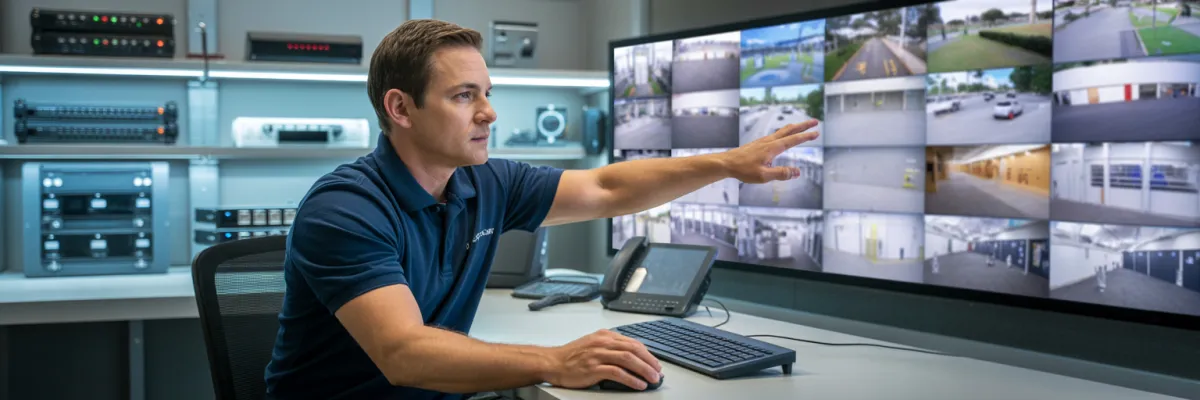
Commercial Security Monitoring Setup: What Brisbane Needs
A bar owner called us weeks after a serious incident at his venue.
He had cameras. He had footage. But the system was set to overwrite every 48 hours, the resolution was too low to identify faces, and the app hadn't worked properly since a firmware update months earlier. By the time he needed it, the footage was gone. The insurance claim was rejected.
This isn't a story about bad cameras. It's a story about a bad commercial security monitoring setup.
Getting cameras installed is only the first step. How those cameras are configured, stored, accessed, and maintained is what actually determines whether your system protects you when things go wrong.
And things do go wrong. In a significant number of commercial incidents, CCTV footage is either missing, too low-resolution to identify a suspect, or stored on a system the owner couldn't access in time.
In this guide, we'll cover exactly what a professional commercial security monitoring setup looks like — the components you need, the compliance requirements you can't ignore, the remote access setup you can actually use from your couch, and the mistakes that leave business owners unprotected despite spending thousands on equipment.
What Is Included in a Commercial Security Monitoring Setup?
A commercial security monitoring setup is the complete system that captures, stores, and delivers security footage for a business premises. It goes beyond cameras alone — a properly configured setup includes the recording hardware, network infrastructure, remote access capability, and ongoing monitoring or alert protocols that make footage usable when an incident occurs.
A complete commercial security monitoring setup includes:
IP security cameras — positioned to eliminate blind spots at entry/exit points, car parks, loading docks, and high-risk internal zones
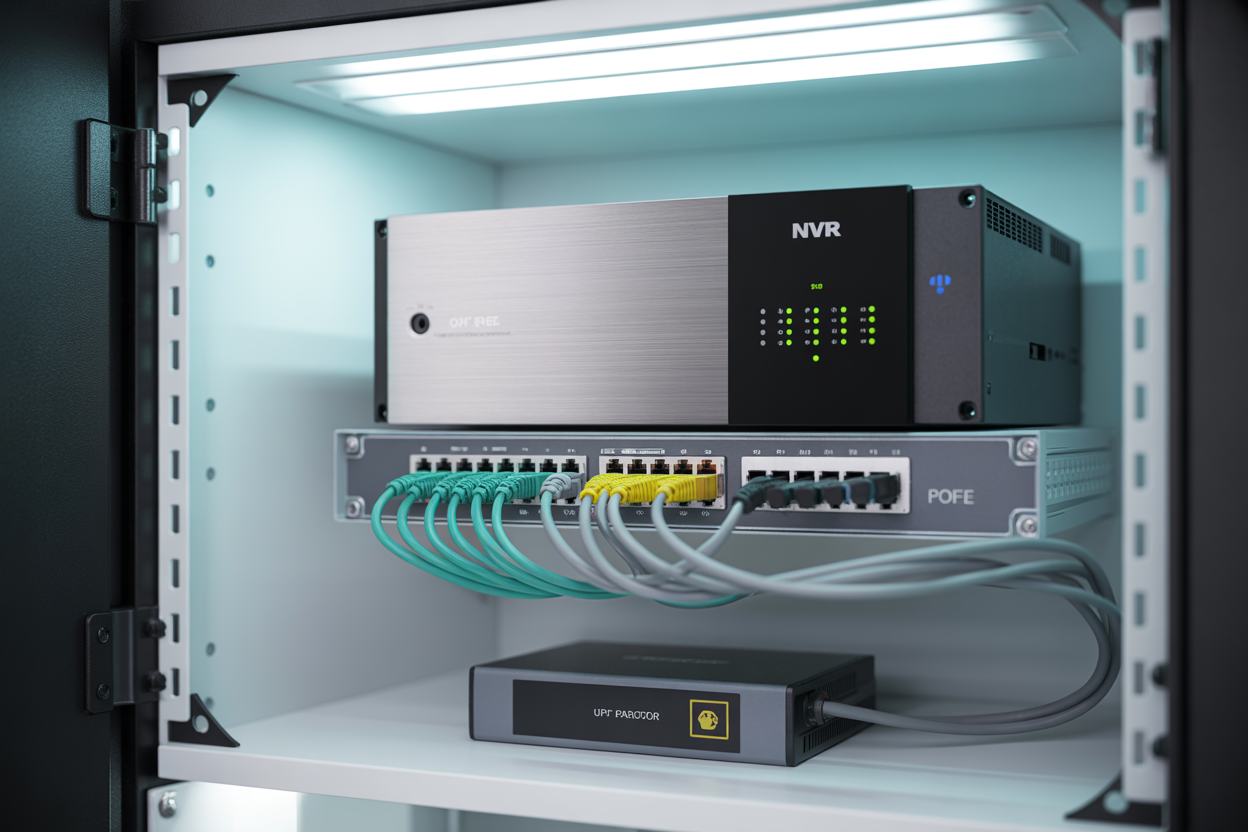
NVR or DVR recording unit — stores continuous or motion-triggered footage with sufficient retention to meet compliance requirements
Local network infrastructure — PoE switches, cabling, and router configuration to maintain a stable, dedicated security network
Remote access configuration — mobile app setup (iOS and Android) for live view and historical playback from any location
Motion detection and alert zones — configured per camera to trigger notifications for after-hours activity
Backup power supply (UPS) — keeps the system online during power interruptions
Secure footage export process — allows clips to be saved and shared with police or insurers in an accepted format
Ongoing maintenance and support agreement — firmware updates, camera health checks, and a local point of contact when something goes wrong
Why Most Businesses Have Cameras But Not a Monitoring Setup
There's a difference between having cameras on the wall and having a working commercial CCTV system. It sounds like the same thing. It's not.
The cameras are just the front end. What most business owners don't see — and what most cheap installers don't bother setting up properly — is everything that happens behind them. The NVR configuration, the retention settings, the remote access, the backup power. That's the part that determines whether your footage is actually usable when you need it.
The Four Most Common Setup Failures Installers Leave Behind
We see the same four problems over and over when we're called in to fix or replace an existing system.
1. Overwrite cycles set too short
The default setting on a lot of consumer-grade NVR units means footage starts overwriting itself well before you'd expect. If you don't discover an incident quickly — or if it takes a few days for a staff member to flag something suspicious — the footage is already gone. Most commercial and regulatory purposes require a minimum of 30 days' retention.
2. The app was never properly configured after installation
This one's more common than it should be. The installer sets up the cameras, does a quick demo on-site, and leaves. Later, a firmware update pushes through and breaks the remote connection. Nobody told the business owner what to do when that happens. So the app stops working and the owner just... stops using it. Until the night they actually need it.
3. Poor camera placement leaving obvious blind spots
Entry points are covered. The front counter's covered. But the loading dock at the back isn't. The car park has one camera pointed at the wrong angle. The stockroom door is in a dead zone. Placement needs to be planned for the specific premises — not templated from a generic install checklist.
4. No UPS backup power
Power interruptions during a severe weather event can knock an NVR offline mid-recording. Without an uninterruptible power supply, the system goes dark at exactly the moment it might need to be running. We've seen businesses lose hours of overnight footage because nobody thought to ask about backup power.
Why Footage Quality Means Nothing If Your Storage and Access Are Wrong
A lot of business owners focus on camera resolution — and resolution matters, don't get me wrong. But 4K footage that's overwritten too quickly, stored on a system nobody can remotely access, and living on a network that drops out under pressure is worth nothing in a real incident.
The footage quality question comes second. The storage, configuration, and access question comes first.
The Core Components You Actually Need
Before you talk to any installer, it helps to understand what you're actually buying. Not the brand names, not the megapixel numbers — the functional components that make a commercial security monitoring setup work as a complete system.
IP Cameras vs Analogue
If you've got an older system, there's a decent chance it's running analogue cameras — the kind that produce that grainy, washed-out footage where nobody can identify anyone. Analogue had its time. For new commercial installs, IP cameras are the standard, and for good reason.
IP cameras run over your network, which means higher resolution, better compression, easier remote access, and more flexibility in placement. For evidential-quality footage — the kind police and insurers will actually accept — you want a minimum of 4MP resolution. That's the point where you can clearly capture a face and a transaction at a point-of-sale counter simultaneously, or read a number plate in a car park at night.
Outdoor cameras need to be rated IP67 at minimum. UV intensity, humidity, and weather are not gentle on electronics. Cameras rated below IP67 tend to degrade quickly in harsh outdoor conditions — fogging lenses, corroding housings, unreliable connections. We see it constantly when we're replacing systems that were installed on the cheap.
NVR vs DVR
The NVR (Network Video Recorder) is the brain of a modern IP camera system. It receives, processes, and stores footage from all your cameras in one place. For any new commercial install, NVR is the right choice.
DVR (Digital Video Recorder) is the older format — it works with analogue cameras and coaxial cabling. The only scenario where DVR makes sense today is if you're doing a partial upgrade of an existing analogue system and want to reuse the existing cable runs to reduce cost. Even then, a full IP upgrade is usually the better long-term investment.
Your NVR needs to be sized correctly for the number of cameras, the resolution you're running, and the retention period you need. Undersizing it is one of the most common mistakes in commercial installs — and it usually shows up as footage quality being quietly dialled down to make the storage last longer.
PoE Switches and Network Infrastructure
Power over Ethernet (PoE) switches allow your IP cameras to receive both data and power through a single cable run. It simplifies installation and reduces points of failure. The switch needs to be correctly rated for the number of cameras and the power draw of each one.
Beyond the PoE switch, the network infrastructure needs to be configured correctly. Ideally, your cameras run on a dedicated network segment — completely separate from your POS system, your guest WiFi, your staff computers. When security cameras share a network with everything else in the building, you get conflicts, bandwidth issues, and unreliable remote access.
UPS Backup Power
An Uninterruptible Power Supply (UPS) keeps your NVR and network equipment running during a power outage. This isn't a nice-to-have — it's essential for any business that can't afford gaps in overnight recording.
Remote Access — Monitoring Your Business From Anywhere
For most business owners, remote access isn't a feature — it's the whole point. The ability to pull out your phone, check the live feed from your premises, review footage from an incident, and export a clip to send to police. That's what a correctly configured commercial security monitoring setup delivers.
The problem is that remote access is also where cheap installs fall apart the fastest.
What Reliable Remote Access Actually Looks Like
A properly configured remote access setup means the app works. Every time. From anywhere — at home, interstate, overseas. Live view loads within a few seconds. Historical playback is searchable by camera and time. Footage export works in a format police and your insurer will accept.
A professional installer signs off on remote access as part of the handover. They set it up on your devices, test it while they're still on-site, walk you through how to use it, and document what to do if something changes. That's not optional — it's part of what you're paying for.
Network Requirements: Static IP vs DDNS
For remote access to work reliably, your NVR needs a consistent address on the internet so your phone can find it.
Static IP is the preferred option for commercial installs. Your internet provider assigns a fixed IP address that doesn't change. Your phone always knows where to look. It's reliable, it's clean, and it's what we recommend for any business taking their security setup seriously.
DDNS (Dynamic DNS) is the fallback. If a static IP isn't available or practical, DDNS assigns a domain name that automatically updates when your IP address changes. It works, but it introduces an extra layer that can occasionally cause connection drops — particularly after router resets or provider-side changes.
Cameras should never share a network with your POS system or main business network. A dedicated security network — or at minimum a correctly configured VLAN — keeps everything stable and separate.
Multi-Site Monitoring
If you run more than one location, a professional commercial setup lets you monitor all of them from a single app interface. You shouldn't need to log in and out of separate accounts or manage different systems for each site. A system specified correctly from the start can accommodate additional sites without replacing the core infrastructure.

How to Choose the Right Installer
Choosing the right commercial CCTV installer is as important as choosing the right equipment. A poorly installed system with quality cameras is still a poorly installed system.
What a Professional Quote Looks Like
A professional commercial quote includes the specific camera model and resolution, a placement plan showing where each camera is positioned and why, the NVR model and storage capacity, the footage retention period and how it was calculated, the remote access configuration method, warranty terms for both hardware and labour, and the support process for when something goes wrong.
If any of those elements are missing, the quote is incomplete.
Licensing and Insurance
Any electrical work associated with a CCTV installation requires a licensed contractor. Ask for the licence number and verify it before you sign anything. Request the public liability insurance certificate of currency before work begins, not after.
What a Professional Handover Looks Like
A professional handover includes a full system walkthrough with the business owner present, the mobile app set up and tested on the owner's devices before the installer leaves, a live test of footage export, and a written handover document covering system specs, access credentials, and what to do if something goes wrong.
Most cheap installers skip most of that. They do a quick demo, hand over a password, and leave. The handover isn't a courtesy — it's part of what you paid for.
Red Flags to Watch For
Same-day quote with no site visit
No itemised breakdown
No mention of warranty
Full payment required upfront
No license number provided when asked
The Bottom Line
Cameras on the wall are not the same thing as a commercial security monitoring setup. The bar owner in the introduction had cameras. He had footage. He had nothing — because everything underneath the cameras was wrong.
A correctly configured commercial security monitoring setup is the difference between footage that gets someone arrested and footage that's already gone. Between an insurance claim that gets paid and one that gets rejected. Between a compliance audit you pass and a licence condition you didn't see coming.
The components matter. The configuration matters. The installer you choose matters. And the handover — the bit most cheap installers skip — matters just as much as the equipment they put on your walls.
If you're not sure whether your current system would hold up when it actually counts, that uncertainty is worth acting on. A professional site assessment will tell you exactly where your gaps are before an incident does.

