
Commercial Security Infrastructure Installation Brisbane
What would it cost your Brisbane business if someone walked out tonight with a significant amount of stock — and your cameras caught nothing usable?
For too many Brisbane business owners, that's not a hypothetical. It's a post-incident phone call with an insurance broker who's pointing at blurry, overexposed footage and explaining why the claim won't hold. The stock is gone. The offender is gone. And the cameras that were supposed to protect you have produced exactly nothing that police or insurers can work with.
The problem usually isn't that they had no cameras. It's that they had the wrong cameras — a consumer-grade system someone picked up on the cheap, installed without a proper site assessment, running on cabling that was never rated for commercial use. When it mattered most, the system failed.
That's the difference between a camera system and commercial security infrastructure — a properly designed, professionally installed setup that's engineered from the ground up to produce evidential-quality footage, meet QLD compliance requirements, and keep working reliably for the life of your business.
This guide covers everything Brisbane business owners need to know about commercial security infrastructure installation: what it actually includes, what separates a professional system from a consumer-grade disappointment, how QLD regulations affect your install, and what to look for in a local installer you'll still trust in five years.
What Is Commercial Security Infrastructure Installation?
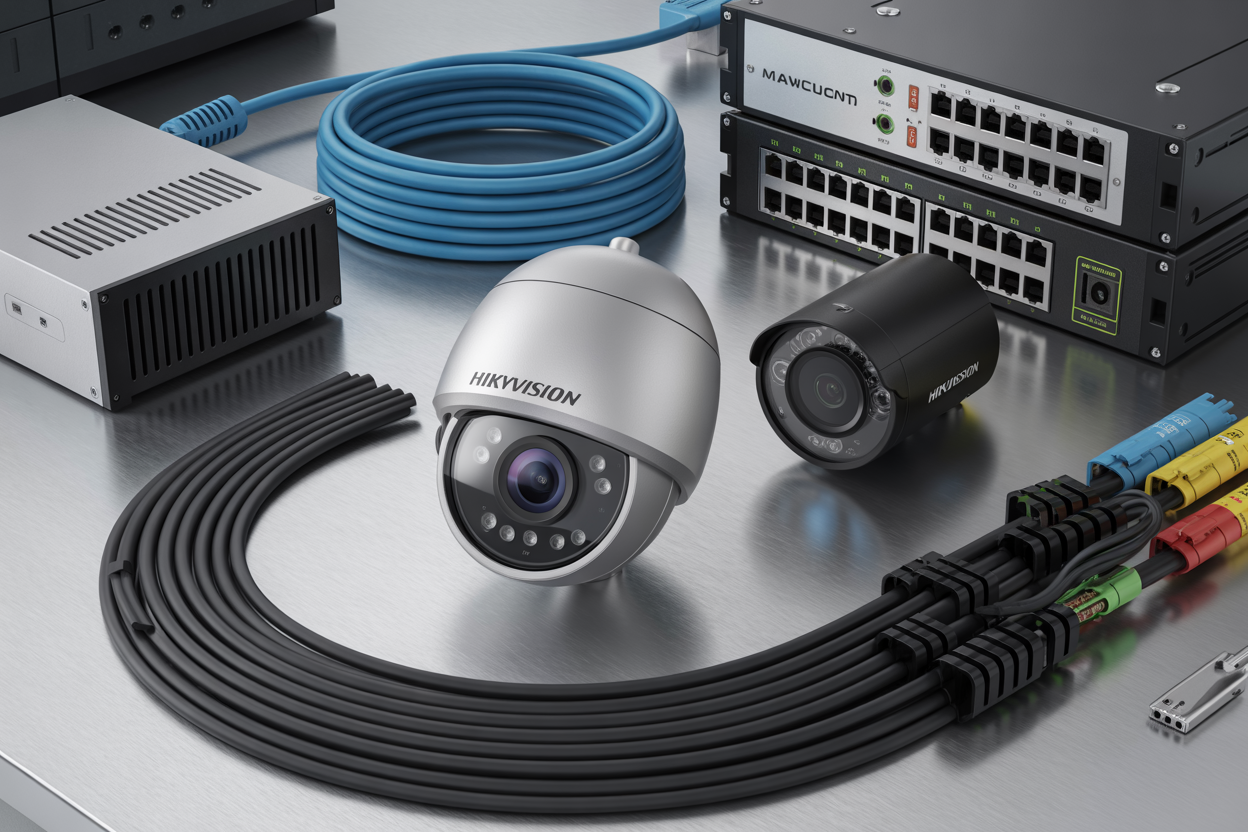
Commercial security infrastructure installation is the professional design, supply, and installation of integrated security systems for business premises — engineered to deliver evidential-quality footage, meet industry compliance requirements, and operate reliably across the lifespan of your business. It includes IP cameras, an NVR, structured Cat6 cabling, PoE switches, UPS backup power, remote monitoring setup, and compliance documentation for QLD regulated industries.
What Commercial Security Infrastructure Actually Includes (And What Most Installers Leave Out)
The Difference Between a Camera System and a Security Infrastructure
There's a version of this conversation that happens in boardrooms and there's a version that happens in warehouses at 7am after a break-in. Both of them end the same way — with a business owner staring at footage that's completely unusable, wondering why the system they paid for let them down.
The answer, almost every time, is the same. They bought cameras. They didn't buy infrastructure.
A camera is a single component. Commercial security infrastructure is everything that makes that camera produce usable footage — the cabling that carries the signal, the NVR that stores it, the power backup that keeps it running when the mains drops, the network configuration that lets you pull it up on your phone from the other side of the country. Strip any one of those elements out and you've got a system that looks like it's working until the moment you need it to.
This is where cheap installs fail Brisbane businesses every single time. The cameras might be fine. But the cabling was run without conduit, the NVR was undersized for the retention period, and there's no UPS — so the first time someone cuts power to the switchboard before forcing entry, the recording stops.
The 6 Core Components of a Professional Commercial Install
It's not the cameras that fail Brisbane businesses — it's the infrastructure around them. Structured cabling, properly conduit-run Cat6, supports the bandwidth required for high-resolution IP cameras across longer runs. Cut corners here and you get signal degradation and footage that falls apart when you zoom in on an incident. The UPS is the component most often left out of cheap quotes — and the one that matters most when an offender trips the switchboard before forcing entry. Without it, your recording stops exactly when you need it most.
Commercial Security Camera Types — Choosing the Right Tool for Each Zone
Fixed IP, PTZ, and ANPR — Matching Camera to Zone
Fixed IP cameras point in one direction, cover one zone, and do it extremely well. For entry and exit points, point-of-sale counters, stock rooms, and internal corridors, a fixed IP camera with the right lens and resolution is the most reliable tool in the kit. No moving parts means fewer failure points. Brands like Hikvision and Dahua produce commercial-grade units engineered for continuous 24/7 operation — not the consumer products you'd find elsewhere.
PTZ cameras — pan-tilt-zoom — suit large open floor areas, vehicle yards, and perimeter fence lines where a single unit needs to cover ground that would otherwise require multiple fixed cameras. The limitation every business owner needs to understand: PTZ cameras can only look in one direction at a time. The right approach for most large commercial sites is a hybrid — PTZ for large open areas combined with fixed cameras at every defined entry, exit, and transaction point.
If your business involves vehicles — delivery trucks, customer car parks, or contractor access — ANPR cameras are your evidence trail. They're purpose-built to capture registration plates in variable light conditions and at vehicle speeds that standard IP cameras aren't optimized for. When a theft happens overnight, the plate captured at the gate is what gives Queensland Police something to work with.
Dome vs Bullet: The Placement Logic
Dome cameras are the right choice for internal spaces — retail floors, reception areas, corridors, and hospitality environments where discreet but robust coverage is needed. The IK10 vandal-resistant rating matters more than most venue owners realize until something happens.
Bullet cameras are elongated, directional, and visible and that visibility is often the point. A bullet camera above a loading dock or on a perimeter fence line sends a deterrence signal before an incident even starts.
Choosing the right camera type is only half the equation — in Brisbane's subtropical climate, how that camera is rated and housed determines whether it still works in year three.
Brisbane-Specific Installation Considerations Most Suppliers Won't Tell You
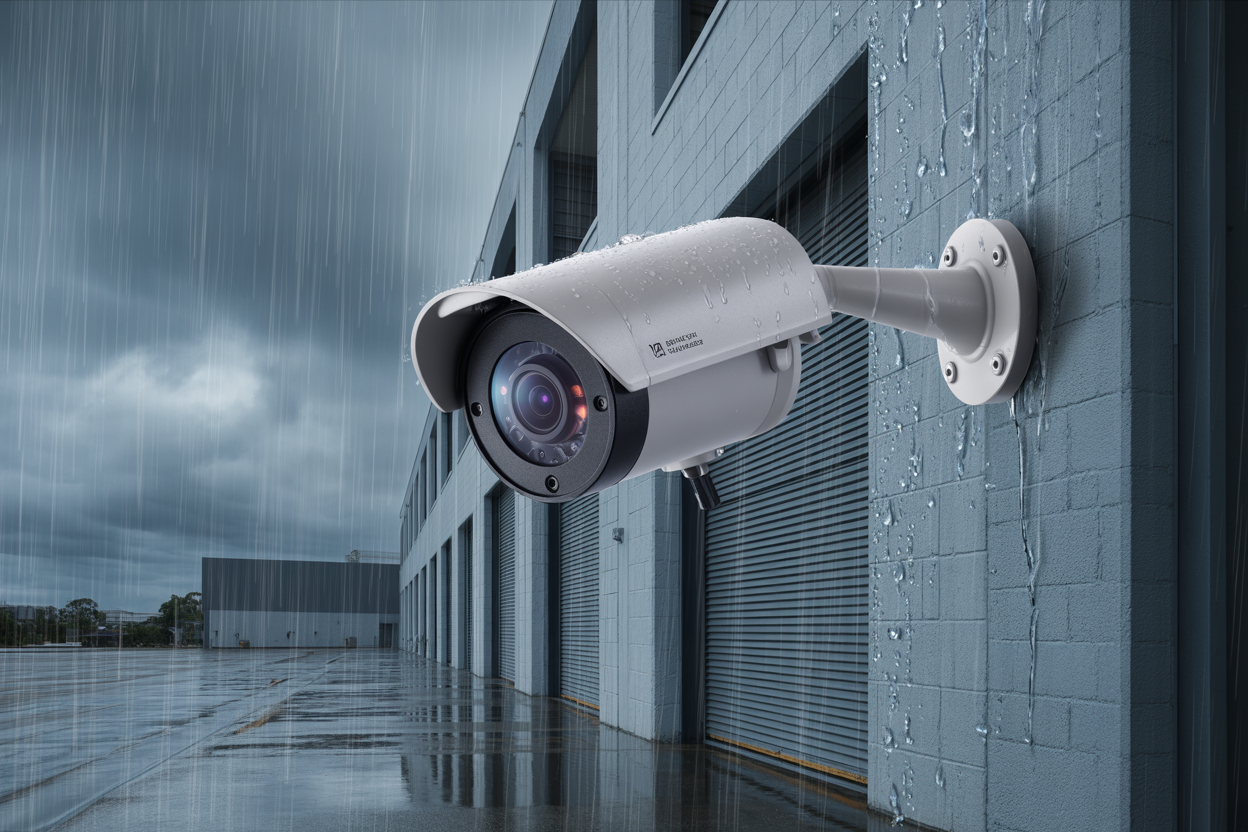
Brisbane's climate is genuinely hostile to outdoor electronics. The combination of intense UV radiation, high humidity, and the thermal cycling that comes with Queensland summers degrades camera housings, image sensors, and cable insulation faster than most suppliers will ever tell you. According to Bureau of Meteorology data, Brisbane receives some of the highest UV index readings in Australia during summer months — enough to break down the plastics used in consumer camera housings within 18 months of outdoor exposure. The result is a camera that looks like it's still working but has degraded to the point where moisture ingress is inevitable and image quality has dropped to something useless for evidential purposes.
South East Queensland's storm season compounds the problem. A camera rated IP65 is tested against water jets from any direction — not against wind-driven rain delivered horizontally at 80km/h for 45 minutes. IP67 is the minimum rating for any outdoor camera installation in South East Queensland. Industrial sites add further challenges: dust, vibration from forklifts near mounting points, and in some cases chemical exposure. For these environments, the IP rating conversation needs to extend to mounting hardware and junction box specifications — not just the camera unit.
The Installation Process — What to Expect from Quote to Handover
A professional install follows five stages: site assessment, quoting and scope confirmation, installation, commissioning, and handover training.
The site assessment is where you find out whether the installer is listening or just measuring. A good installer asks: What's happened here before? What does your insurer require? Those answers shape a system that addresses your actual problem rather than just ticking a camera count.
Commissioning is where the system is configured to do what it was designed to do — camera angles verified, night vision tested in actual darkness, motion detection zones configured, and footage retention confirmed at the correct resolution and frame rate.
Handover training is not a five-minute walkthrough at the end of a long day. It's the product. Before the installer leaves site, remote access should be configured and tested on your specific devices. You should be able to open the app, see a live view, and find historical footage without making a call. A system handed over without working remote access isn't a finished job.
Ready to Protect Your Brisbane Business?
The difference between a business that produces evidential-quality footage on the worst night of its career and one that doesn't comes down to one decision — the decision to invest in commercial security infrastructure rather than a consumer-grade system that looks similar but fails completely when it matters.
Get in touch and we respond to all commercial enquiries within 2 business hours. From there, we book a free site assessment — we come to your premises, map camera positions, and identify blind spots before a single dollar is committed.
Once the assessment is done, you'll receive a fully itemized quote with camera models, cabling specification, and warranty terms. No vague one-liners. Everything scoped in writing so you know exactly what you're approving.
After sign-off, installation is scheduled and completed promptly. And before we leave site, remote access is configured and tested on your devices. You should be able to open the app and find footage without making a call — that's the standard we hold ourselves to.

