
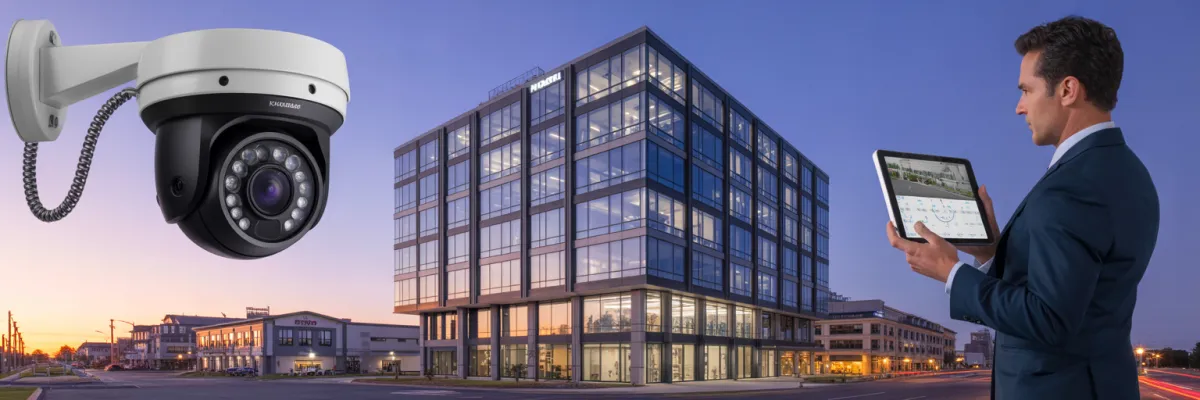
Commercial IP Camera Installation: 5 Essential Features
You're managing multiple commercial properties, and your current security setup feels like managing five different languages. One property has analog cameras from 2015. Another has a basic IP system that only works on-site. When a tenant calls about a security concern, you're juggling three different login portals and two mobile apps that barely work.
Here's the reality: 73% of commercial property managers report that inconsistent security systems cost them significant management overhead—time that could be spent on revenue-generating activities.
This guide reveals the five non-negotiable features that separate professional-grade commercial IP camera installations from expensive disappointments. These features determine whether your system becomes a portfolio asset or a management liability.
What Are IP Cameras in Commercial Security?
IP cameras (Internet Protocol cameras) are digital security cameras that transmit video footage over a network connection, allowing property managers to monitor multiple commercial locations from anywhere with internet access. Unlike traditional analog cameras that require direct cable connections to recording devices, IP cameras connect to your existing network infrastructure.
Key characteristics of commercial IP cameras include:
Network connectivity - Connect via Ethernet or WiFi to your business network
Digital video quality - Record in high-definition (1080p to 4K resolution)
Remote access capability - View live footage from smartphones, tablets, or computers
Scalability - Add cameras without rewiring entire properties
Smart features - Motion detection, facial recognition, license plate reading
Cloud or local storage - Flexible recording options based on business needs
Power over Ethernet (PoE) - Single cable provides both power and data connection
For property portfolio managers, IP cameras eliminate the complexity of managing different analog systems across multiple locations by providing standardized, centrally-managed security infrastructure.
📊 Quick Comparison: Basic vs. Professional Portfolio Systems
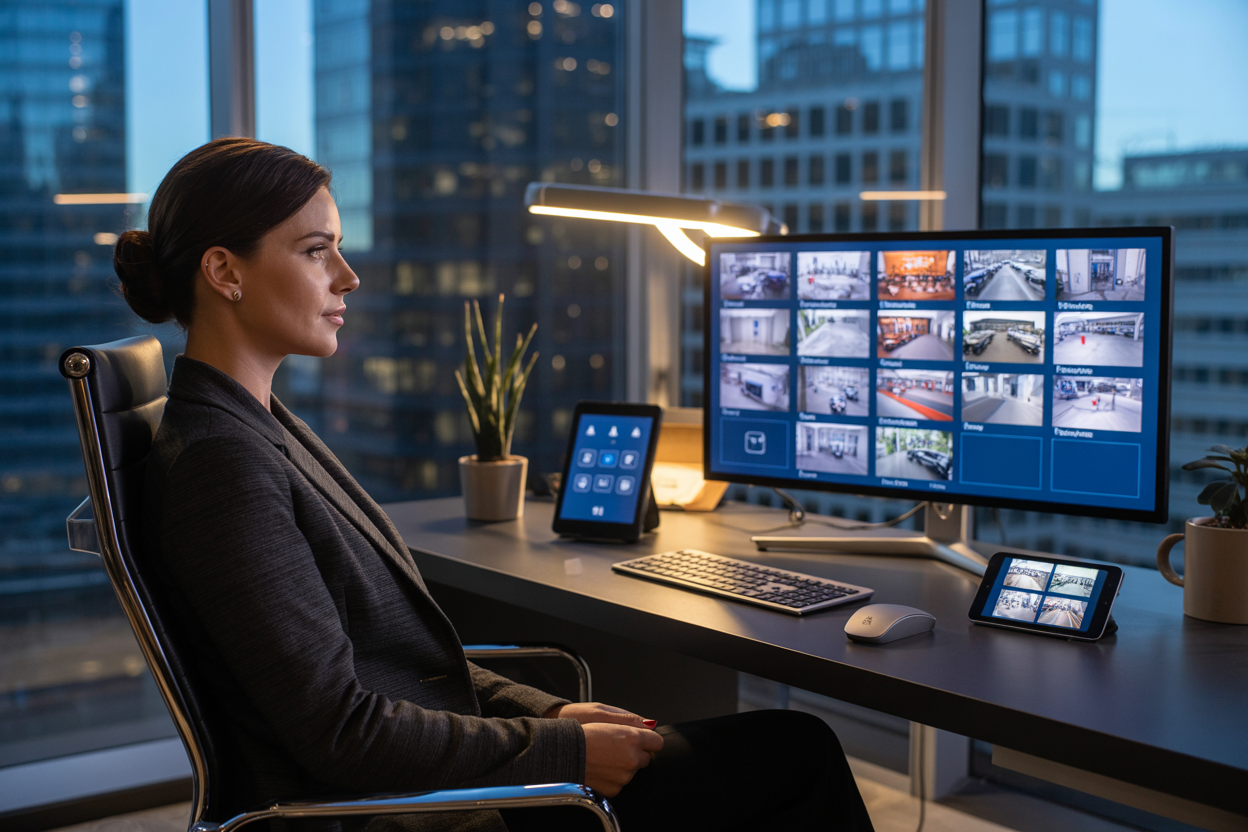
Feature #1 - Centralized Management Platform for Multi-Property Control
You've got six commercial properties. Monday morning, a tenant calls about a break-in attempt. You pull out your phone, realize that property uses a different app, spend five minutes finding the right login, and discover the footage is only accessible from a desktop.
Meanwhile, your warehouse sends an alert. Different system, different app, different problem. By the time you've checked both properties, you've burned 45 minutes without getting the footage you need.
Property managers with unified platforms reduce security management time by 67%—time that could be spent on tenant relations or lease negotiations instead of playing login roulette.
Real centralized management means single login accessing all property locations. One username, one password, every property in your portfolio. You open your phone and see all of them at once—not sequentially, not by switching apps.
Cross-property search functionality proves its worth when your insurance adjuster needs footage of a delivery truck that damaged property somewhere, but you're not sure which location. With proper centralization, you search "delivery truck Thursday" across your entire portfolio. Without it, you're manually checking six different systems hoping you find footage before it gets overwritten.
Multi-property reporting answers questions like "Which property has the most after-hours activity?" Portfolio-level insights help you make smarter security investments instead of treating each location like an isolated decision.
Feature #2 - Scalable Architecture That Grows With Your Portfolio
You install a solid IP camera system across your first three properties. Works great. Fast forward a couple years, and you've acquired two more properties. You call your original installer, excited to expand the system you already know.
That's when you hear: "Actually, that system maxes out at four properties" or "We'd need to install a completely separate system" or worse—"That manufacturer discontinued that product line."
The "locked-in" trap catches property managers who didn't ask about scalability upfront. You're facing a choice between managing two completely different systems or ripping out your entire existing infrastructure and starting over.
Real scalability means specific technical features:
Open protocol support (ONVIF compliance) lets equipment from different manufacturers work together. Your office might have cameras optimized for indoor corridors, while your warehouse uses rugged outdoor models—all working on the same platform.
Flexible storage architecture lets you expand storage by adding hard drives, not replacing entire recording devices. Non-scalable systems force you to replace equipment or reduce retention time across all properties to accommodate new ones.
Network infrastructure flexibility means the system works with various internet providers and speeds. Your office has gigabit fiber, your warehouse has standard business internet—scalable systems adapt instead of demanding identical infrastructure everywhere.
Camera compatibility range lets you match cameras to property needs. Your retail space needs 4K cameras for facial recognition. Your warehouse needs basic coverage across large areas. Scalable systems let you specify quality per location based on actual needs.
User license scalability means adding property managers doesn't trigger expensive upgrades. Professional platforms include reasonable user allowances because they understand portfolio growth.
Feature #3 - 4K Resolution and Evidence-Grade Image Quality
Standard HD cameras look great watching live footage of an empty hallway. They fall apart when you actually need them. Your retail tenant reports a slip-and-fall, claims injury, and lawyers up. You pull the footage, zoom in, and the image pixelates into useless blocks.
Insurance companies and legal teams want evidence-grade footage that clearly shows faces, license plates, actions, and environmental conditions. Your 1080p HD system provides 2 megapixels. A 4K camera provides 8 megapixels—four times the detail, four times the zoom capability before degradation.
Facial identification at reasonable distances: 1080p gives you "maybe that's them" quality. 4K gives you definitive identification. That difference determines whether your footage is evidence or just documentation that cameras were present.
License plate reading in various lighting and weather conditions: Standard HD struggles beyond limited distances. 4K maintains readability at extended ranges, meaning fewer cameras needed and better evidence when vehicle-related incidents occur.
Activity documentation with enough detail to understand exactly what happened. Was roller door damage caused by a delivery truck, wind, or vandalism? 4K footage shows impact points, vehicle positioning, timing, and environmental conditions for accurate insurance claims.
Strategic 4K placement matters:
Office buildings need 4K at main entrances and lobbies for facial recognition. Elevator lobbies benefit from 4K in multi-tenant buildings. Loading docks and service entrances get 4K where unauthorized access happens.
Retail spaces require 4K at entrances, exits, and point-of-sale areas. Disputed transactions and till shortages get resolved with clear footage.
Industrial properties use 4K at perimeter access points for vehicle plates and driver identification. Loading docks need 4K to document delivery activities.
Mixed-use developments combine these needs—retail gets 4K at entrances and checkouts, offices get 4K at building entry and elevators, shared parking gets 4K at entry/exit points.
Feature #4 - True Remote Access and Mobile Management Capabilities
You're sold a system with full remote capability—monitor all properties from anywhere, view live footage on your phone, pull up recordings. Then reality hits. Playback only works on desktops. Or you can access recordings, but only by downloading massive files. Or you have to close the app and log back in to switch properties.
That's not remote access. That's remote viewing with constant frustration.
True remote access means you can do everything from your phone that you could do at the property. You're in a lease meeting, your property manager calls about damage, you pull up footage, confirm what actually happened, export a clip, and email it while still on the call. Problem solved in minutes.
Professional remote access includes:
Live viewing from any device with a dashboard showing all locations. Tap any property for full-screen, swipe between cameras, monitor everything easily.
Recorded footage access with instant playback—no downloading, no waiting. Select date, time, and camera, and footage plays immediately. The system transcodes video in real-time to match your device.
Clip export and sharing from mobile devices. Mark start and end points, export clips, and share them directly via email or message in under a minute.
Multi-camera viewing displays multiple cameras simultaneously on your phone, synced to the same timeframe, giving you complete incident context.
System health monitoring shows which cameras are online, storage capacity remaining, network connectivity status. You see "Camera 7 offline" immediately and dispatch repair before missing critical coverage.
User management from mobile means creating new accounts, assigning camera access, and setting permission levels from your phone in minutes. Property manager leaves? Revoke access immediately without desktop access.
Feature #5 - Intelligent Analytics and Automated Alerts
You enable motion detection alerts and feel good about proactive security. Then your phone starts buzzing constantly. By day three, you've received 247 alerts. A bird. Clouds changing the lighting. Car headlights. Tree branches. An actual delivery truck arrived, but you almost missed it after ignoring the first 80 false alerts.
Basic motion detection makes you blind to real security events because you're drowning in meaningless notifications.
Week one, you check every alert. Week two, you check maybe 40%. Week three, you've turned off notifications. By month two, you're not using the feature. When an actual break-in occurs, the alert gets lost among dozens of false ones you'd learned to ignore.
Intelligent analytics understand context, learn normal patterns, and alert you only when something genuinely requires attention. The technology distinguishes between a delivery truck that arrives every Tuesday at 9 AM (expected, no alert) and an unfamiliar vehicle in your loading dock at 2 AM Sunday (unexpected, immediate alert).
Smart object recognition identifies what triggered the alert—person, vehicle, animal, or environmental change. Instead of "motion detected," you get "person detected in restricted area." That context determines your response.
Behavioral pattern learning understands your property's normal rhythms. The system learns deliveries arrive during business hours on weekdays. Normal times get no alert. Middle of the night triggers immediate alert because it's outside normal patterns. This happens automatically—each property develops its own activity profile.
Zone-based intelligence recognizes different areas have different needs. Your lobby is high-traffic during business hours—no alerts. That same lobby after hours should be empty—any person detection triggers alerts. Different zones get different rules.
Loitering detection identifies when someone remains in an area longer than typical. Someone standing at your entrance for three minutes gets flagged as unusual behavior.
License plate recognition (LPR) automatically identifies vehicles. Your property management vehicles and regular delivery trucks get logged without alerts. Unknown vehicles trigger notifications. Previously flagged problem vehicles trigger immediate high-priority alerts.
Real applications:
Analytics reduce false alerts by 85-95%, giving you time back. You're checking relevant alerts instead of hundreds of meaningless ones.
Your warehouse analytics detect someone loitering near the perimeter late at night. Quick live view shows individuals cutting through the fence. You call police with real-time information. Police arrive while intrusion is in progress.
Without intelligent analytics, motion detection maybe triggers an alert lost among dozens. You check your phone in the morning, discover the break-in overnight, and now you're dealing with theft and damage instead of a prevented incident.
Analytics verify contractor activity automatically. Your cleaning contractor claims they cleaned all six properties. Analytics shows crews entered certain properties but other properties show no activity during claimed times. That's objective evidence for billing disputes.

Conclusion: Building Security Infrastructure That Scales
Commercial IP camera installation done right isn't about buying cameras—it's about building infrastructure that protects your portfolio investment, streamlines property management, and scales efficiently as you grow.
Centralized management eliminates juggling multiple systems. You check your portfolio's security from one platform, respond to tenant concerns immediately, and manage oversight efficiently.
Scalable architecture ensures every property you add integrates seamlessly with existing infrastructure. You're building a system that grows with your portfolio rather than forcing expensive replacement when basic systems hit capacity limits.
4K resolution and evidence-grade image quality provides clear documentation for insurance claims, tenant disputes, and incident investigations. Recording video that can't answer questions wastes your investment.
True remote access and mobile management acknowledges that portfolio property management happens wherever you are. Your security system should work seamlessly without forcing office visits to access basic features.
Intelligent analytics and automated alerts transform security from passive recording to active protection. You're notified when genuine security events occur, not overwhelmed by hundreds of meaningless alerts.
These features work together, creating comprehensive security infrastructure that matches how you actually manage commercial properties. Systems lacking any of these capabilities create gaps that undermine your entire security investment.
The difference between adequate and inadequate commercial IP camera installation emerges over time. Initially, systems seem similar. But months into operation, one system frustrates you daily while another seamlessly supports efficient portfolio management.
Your security infrastructure should enhance your reputation as a professional property manager who takes tenant safety seriously, provides evidence-grade documentation, and operates with portfolio-scale efficiency. Professional commercial IP camera installation with these five features isn't a luxury—it's the baseline for any serious property manager building a scalable, sustainable portfolio.

