

Cloud-Based Surveillance System Installation: What to Know
You've just had a break-in. The police ask for footage. You spend ages at the office at midnight trying to pull a clip from a DVR that hasn't been properly maintained — and the recording has overwritten itself.
Sound familiar? More Brisbane business owners than you'd think have been in exactly that situation. Not because they cut corners on cameras. Because they had the wrong system behind them.
The DVR sitting in the back room of your business is a single point of failure. It can be stolen. It can overheat in a Queensland summer. It can run out of storage and quietly start overwriting your footage — and you won't know until the moment you need to pull a clip that matters.
Cloud-based surveillance changes that equation entirely. Footage stored securely off-site, accessible from your phone in minutes, from anywhere. But cloud-based surveillance system installation isn't a plug-and-play upgrade. The network infrastructure, camera selection, storage configuration, and access setup all need to be done correctly — or you'll spend more fixing it than you saved going cheap.
In this guide, we'll cover what cloud-based surveillance involves, how it compares to traditional systems, what the installation process actually looks like, and what QLD compliance requires for regulated industries.
What Is a Cloud-Based Surveillance System?
A cloud-based surveillance system stores video footage on remote servers via the internet, rather than on a local DVR or NVR at your premises. Recordings are automatically uploaded and stored off-site — accessible from any device with an internet connection, from anywhere in the world.
Here's how that differs from what most Brisbane businesses currently have:
Traditional systems store footage locally — if the DVR is stolen or fails, the footage goes with it
Cloud systems store footage remotely — a break-in, power outage, or hardware failure doesn't touch your recordings
Traditional systems require on-site access or complex remote setup to view footage elsewhere
Cloud systems allow live viewing and playback from any smartphone, tablet, or laptop — no IT contractor required
Traditional systems require manual firmware updates and on-site maintenance
Cloud systems receive automatic updates and can be remotely diagnosed without a technician visit
A DVR nobody's touched in 18 months is almost certainly running outdated firmware with known vulnerabilities. It's not protecting your business — it's a liability sitting in a cupboard.
How Cloud-Based Surveillance Systems Actually Work
From Camera to Cloud
Cameras capture and compress footage in real time, transmit it over your business network to remote cloud servers, where it's stored with encryption and accessed through an app or browser from wherever you are. Camera > Router > Cloud > Phone. Every link needs to be correctly set up, or the whole thing falls over when you need it most.
What Happens During an Outage
If your internet drops — storm, NBN outage, or an accidentally unplugged cable — a basic cloud-only system stops recording. Quality cloud cameras include onboard SD card backup that records locally during any outage, then automatically syncs back when connection restores. Not all cloud systems handle this the same way. Some sync automatically. Some lose footage entirely. Get the answer before you commit.
Who Can Access Your Footage
A properly configured cloud system gives you granular control:
Owner level — full access, all cameras, all footage, system configuration
Manager level — live view and playback, limited to assigned cameras
Staff level — live view only, no playback access
Every login is logged. Every export is recorded. That audit trail is worth a lot in a staff dispute. Two-factor authentication adds another layer — even if someone gets a password, they can't log in without the second verification step. You can legally monitor staff on camera in Queensland, but there are rules around notification and signage. We've covered this in our guide on [how to legally monitor staff on camera in Queensland].
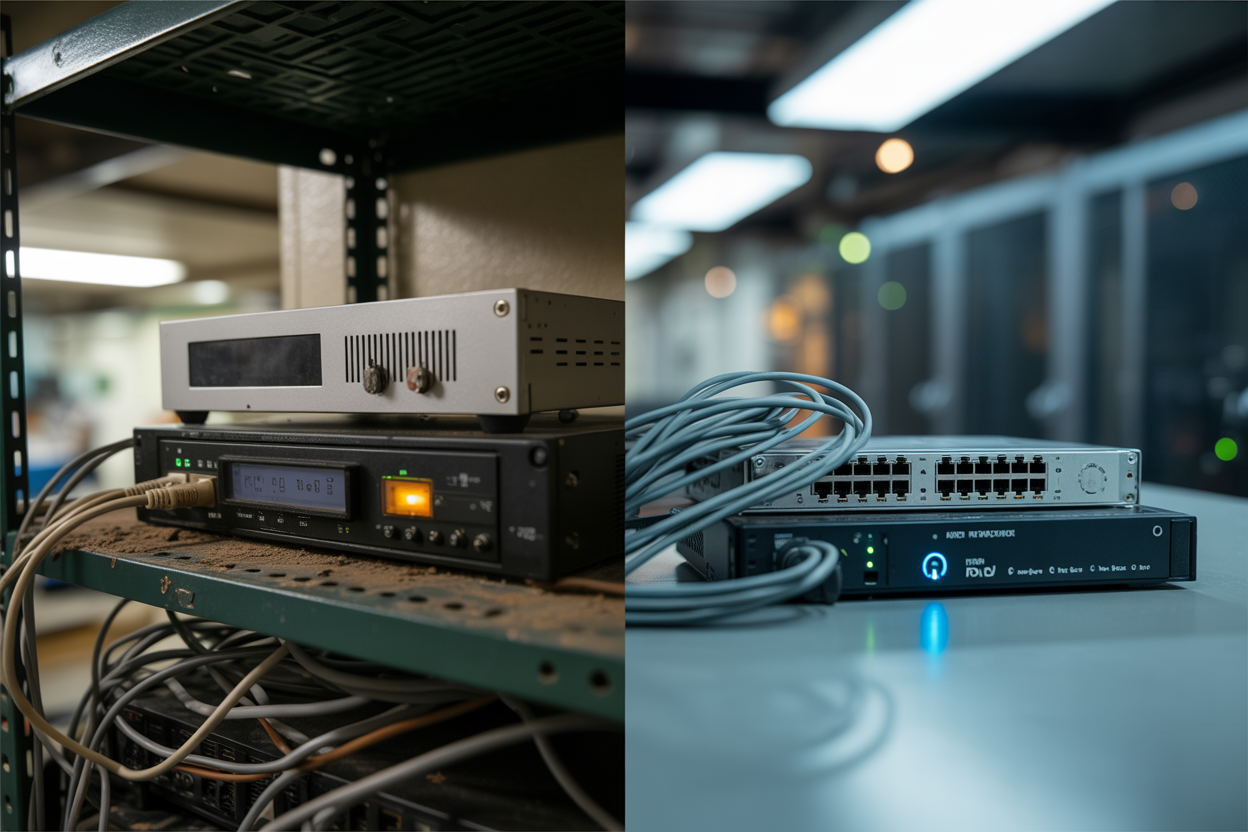
Cloud-Based vs Traditional CCTV — Which Is Right for Your Business?
There's no single answer that fits every business. A small cloud setup that works for a Fortitude Valley bar would be wrong for a high-camera-count warehouse with patchy NBN.
Traditional systems still make sense for high camera count sites with stable LAN infrastructure, sites with poor NBN connectivity, and businesses with strict data sovereignty requirements. The key is getting an honest assessment from an installer who'll tell you that — rather than one pushing cloud because the margins are better.
Cloud wins for multi-site businesses managing everything from one dashboard, owner-operators who travel regularly, businesses that've had a DVR stolen during a break-in, and retail or hospitality venues where rapid footage export to police matters.
Hybrid systems — local NVR as primary storage with cloud backup as a secondary layer — give you the speed of local storage with cloud redundancy protecting against theft, fire, or hardware failure. It's the middle ground most Brisbane installers don't offer, and often the most sensible option for warehouses where connectivity can be inconsistent.
What Cloud-Based Surveillance System Installation Actually Involves
Once you understand what a proper cloud-based surveillance system installation involves, a quote that says "8 cameras, installation included, $X" tells you almost nothing — and you'll know it.
Step 1 — Site Assessment and Network Audit
Before a single camera gets mounted, a professional installer needs to understand your network. Cloud surveillance runs on your internet connection and every camera continuously uploads footage, which requires real upload bandwidth.
Your NBN connection type matters. FTTP gives you symmetrical speeds and handles cloud surveillance well. FTTN upload speeds vary depending on distance from the node and need testing before committing to camera count. HFC is generally reliable but can fluctuate during peak periods.
A professional installer tests your actual upload speed at your premises before quoting on camera count. A cheap operator quotes first and hopes for the best. The site assessment also covers dead zones, interference sources, and cable routing — all documented before a quote is written.
Step 2 — Camera Selection for Cloud Transmission
Not all cameras work with all cloud platforms. Proprietary ecosystems lock you into one manufacturer's pricing and support. Open platforms give you more flexibility.
Resolution and bandwidth are a trade-off. Higher resolution means more data to upload. A 4K camera on a slow NBN connection will perform worse than a well-configured 2MP camera on a fast one. The right resolution depends on what you need footage for — identifying faces at a counter is different from monitoring a car park.
For Queensland's climate, IP67-rated cameras are the minimum standard outdoors. Hikvision and Dahua are well-established in the commercial space; Axis sits at the higher end for specific performance requirements.
Step 3 — Network Infrastructure Setup
This is where most DIY installs and cheap operators fall apart. Your cameras should not run on the same network as your business operations. A professional installer configures a dedicated VLAN — a virtual local area network — that separates camera traffic from your POS system, staff computers, and customer WiFi.
A PoE (Power over Ethernet) switch powers cameras directly through the data cable, eliminating separate power runs. The data leaving your cameras also needs to be encrypted in transit — this is a configuration step, not something that happens automatically with a cloud-capable camera.
Step 4 — Cloud Platform Configuration
Storage tier selection is the first decision. If you're in a regulated industry, footage retention isn't a preference — it's a legal requirement. QLD liquor licence holders must retain footage for a minimum period under the Liquor Act. ACECQA-regulated childcare centres have specific requirements affecting both camera placement and storage.
User accounts need the right permission levels. Motion detection zones need to be configured for useful alerts, not notifications every time a tree moves. Alert sensitivity, recording schedules, and notification settings all need dialling in for your environment.
Step 5 — Handover and Testing
A professional handover is what most cheap installs skip entirely — it takes time and doesn't look impressive on a quote.
Before your installer packs up, you should be watching live footage from every camera on your own phone. You should be walking through how to pull a historical clip yourself, export it, and share it. If you can't do that independently by the time they leave, the job isn't finished. You should also receive written documentation covering camera locations, platform login details, retention settings, warranty terms, and a direct support contact.

QLD Compliance Requirements for Cloud-Based Surveillance
For many Brisbane business owners — particularly in hospitality, childcare, and healthcare — CCTV isn't just about security. It's about compliance. Getting it wrong isn't just an operational problem. It's a legal one.
QLD Liquor Licence CCTV Requirements
If you hold a QLD liquor licence, your CCTV system is a licence condition. The Queensland Office of Liquor and Gaming Regulation sets specific requirements, and non-compliance puts your licence at risk.
Footage retention minimums — cloud systems with automated retention scheduling handle this reliably. A DVR that quietly overwrites itself when storage runs out is a compliance failure waiting to happen.
Camera placement obligations — the Liquor Act prescribes coverage for entry and exit points, bar service areas, gaming rooms, and other defined areas. Your installer needs to know these requirements.
Documentation for inspections — cloud access means you can produce footage quickly from anywhere without a technician.
For full detail, the [Queensland Office of Liquor and Gaming Regulation] is the authoritative source. We've also covered this in our dedicated guide on [QLD Liquor Act CCTV requirements].
Childcare and ACECQA Surveillance Requirements
Brisbane childcare centres have dual compliance obligations — ACECQA nationally and QLD requirements at state level. Defined areas must be covered; others are restricted. Staff and parent notification requirements apply through signage, enrolment documentation, and employment agreements. Cloud access supports regulatory audits by allowing authorised remote footage review without disrupting on-site operations.
We've written a dedicated guide on [ACECQA surveillance requirements for childcare centres in Brisbane].
Workplace Privacy and Staff Monitoring
You can legally monitor staff in Queensland — but cameras in bathrooms, change rooms, or areas where staff have a reasonable expectation of complete privacy are not permitted. Staff need adequate signage notifying them surveillance is in operation. A written workplace surveillance policy protects you in any employment dispute involving footage. Without it, footage that would support your position can become a liability.
The [Office of the Australian Information Commissioner] provides guidance on privacy obligations for businesses operating surveillance systems.
Is Cloud-Based Surveillance Right for Your Brisbane Business?
Cloud-based surveillance system installation isn't the right answer for every business — but for most Brisbane business owners, it's the most practical, most resilient, and most future-proof security investment available right now.
If you've ever had a DVR stolen during a break-in, spent time at the office trying to retrieve footage that should've taken two minutes to pull, or received a compliance notice because your retention settings weren't configured correctly — a cloud system fixes all three of those problems at once. Footage lives off-site, so it can't walk out the door. Access is from your phone, anywhere in the world. Retention is automated, so you're not relying on a hard drive that nobody's checked in months.
The businesses that get the most out of cloud CCTV are the ones that invest in a proper installation from the start. That means a network audit before cameras go up. IP67-rated hardware suited to Queensland's climate. A dedicated VLAN that keeps camera traffic off your business network. A platform configured for your specific retention requirements — whether that's a general preference or a legal obligation under the Liquor Act or ACECQA. And a handover that leaves you pulling footage independently before the installer packs up.
The businesses that regret it are the ones who took the cheapest quote. You end up with cameras on the wall and a system that buffers, drops frames, or produces footage that's useless when police ask for it. That's not a security system. That's a false sense of security — and in some cases, it's worse than having nothing at all, because you spent money assuming you were covered.
Brisbane has enough break-ins, enough disputed insurance claims, and enough compliance-triggered audits that getting this right isn't something you want to revisit in 18 months. A properly installed cloud-based surveillance system should be something you genuinely never have to think about — cameras stay online, the app works reliably, and when you need footage, you've got it in under two minutes.
That's the standard worth holding your installer to.

