
Upgrade Old CCTV System vs Full Replacement: Brisbane Guide
Your cameras are still recording — but are they actually protecting your family?
It's a question most homeowners never think to ask. The system went in a few years ago, the little red light still blinks, and everything feels fine. But CCTV technology has moved fast. What passed for "good enough" back then often can't produce footage clear enough for Queensland Police to act on today. When something does happen — a break-in, a car scraped in the driveway, a stranger at the back gate — homeowners are left with grainy, pixelated footage that identifies nothing and helps no one.
Here's the good news: you don't always need to start from scratch. In many cases, a targeted upgrade is faster, cheaper, and more effective than full replacement. In others, replacement is the smarter long-term investment. This guide breaks down exactly how to tell the difference — covering technology, climate considerations, and what a professional assessment should include.
Can You Upgrade Your Existing CCTV System?
Yes — in many cases you can upgrade your existing CCTV system without replacing everything. It depends on your current equipment, cabling infrastructure, and recording technology.
Upgrade is likely viable if: your cabling is coaxial or Cat5/Cat6 and in good condition, your DVR or NVR supports higher-resolution cameras, you want to add cameras to an existing functional system, or your main concern is image quality rather than system reliability.
Full replacement usually makes sense if: your system is analogue with no HD upgrade path, cabling is degraded or weather-damaged, your recorder is obsolete and no longer supported, or you're experiencing frequent dropouts and app connectivity failures.
A professional site assessment is the fastest way to know which path applies to your home.
Why So Many Homes Are Running Outdated CCTV Systems
The Installation Boom That's Now Catching Up
A few years back, the price of home CCTV systems dropped sharply and a lot of homeowners jumped on it. Entry-level kits became affordable, installers were busy, and getting cameras put up felt like a smart, responsible thing to do for the family.
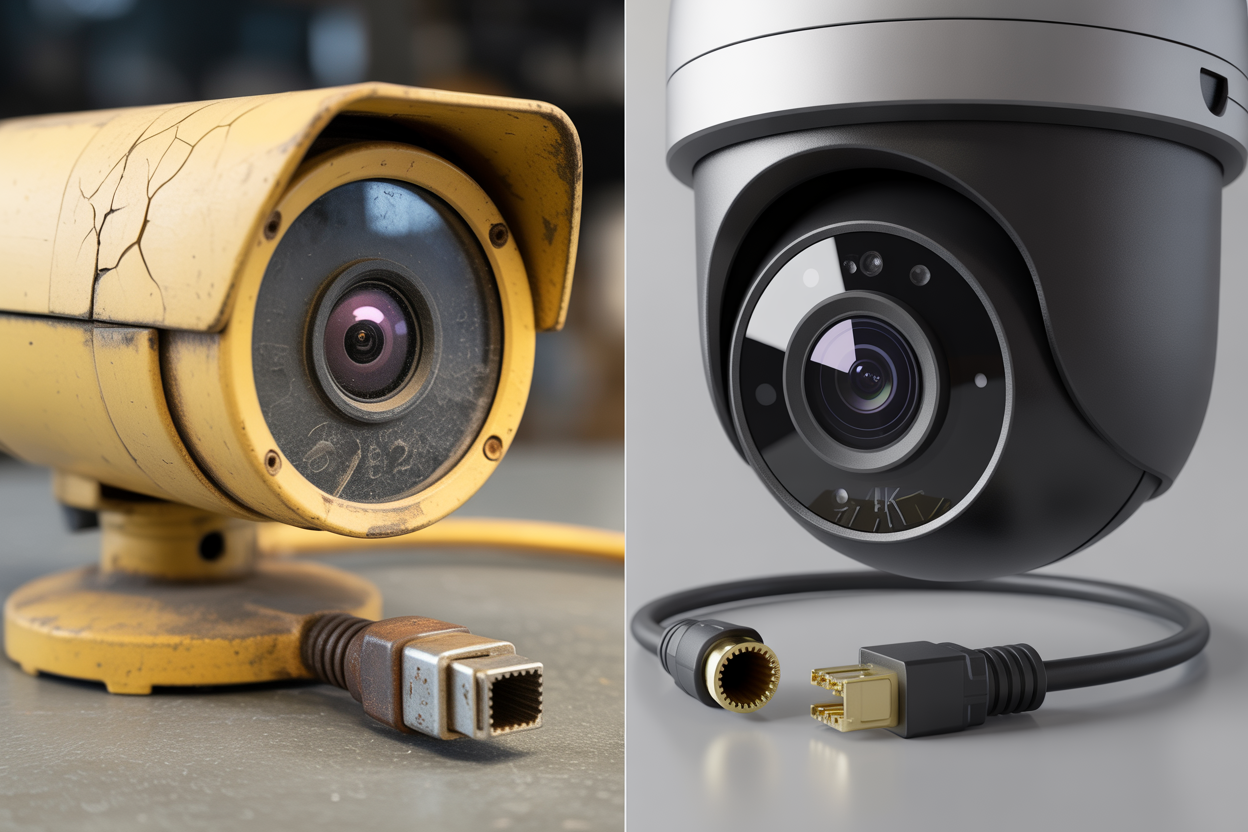
Those same systems are now at or past their effective lifespan. What was considered premium resolution back then is genuinely outdated today — 4K is now the standard starting point for any new residential installation. It's also worth checking where your suburb sits on the crime map. The Queensland Police Service publishes suburb-level property crime statistics at mypolice.qld.gov.au — the numbers are a reminder that this stuff actually matters.
What "Still Working" Actually Means
This is where a lot of homeowners get caught out. The system is "still working" — meaning footage is recording and the cameras haven't fallen off the wall. But working and performing are two very different things.
Three things are worth checking on any older system. Night vision clarity — can you actually identify a face or a number plate in the dark? Remote app access — can you pull up a live feed from your phone when you're at work? And motion detection accuracy — is the system alerting you to what matters, or has it gone quiet because the sensitivity drifted way off?
The most common failures we see in older installs are exactly these three things. The camera is recording. But when you actually need that footage — when Queensland Police are sitting at your kitchen table asking for it — it shows you a blurry shape that could be anyone. That's not protection. That's a false sense of it.
Signs Your Old CCTV System Needs Attention
Visual and Performance Warning Signs
Pull up your footage — not just the live feed, but recorded playback from last night — and ask yourself honestly what you're seeing. The warning signs that come up most often:
Footage that's grainy, pixelated, or washed out in direct daylight
Night vision that drops off sharply — objects unclear or completely invisible in the dark
Cameras showing static, cutting in and out, or displaying timestamps that are years out of date
Motion detection that either triggers constantly on nothing, or doesn't trigger at all
That last one catches people off guard. A motion alert that never fires isn't a quiet neighbourhood — it's a broken sensor that's given up. The gap between old low-resolution footage and modern 4K from the same camera angle is genuinely striking. It's the difference between "someone was there" and "that's definitely him."
Queensland-Specific Wear and Tear
Brisbane's climate does things to security equipment that homeowners in cooler parts of the country simply don't deal with. The things we see most often in older installs:
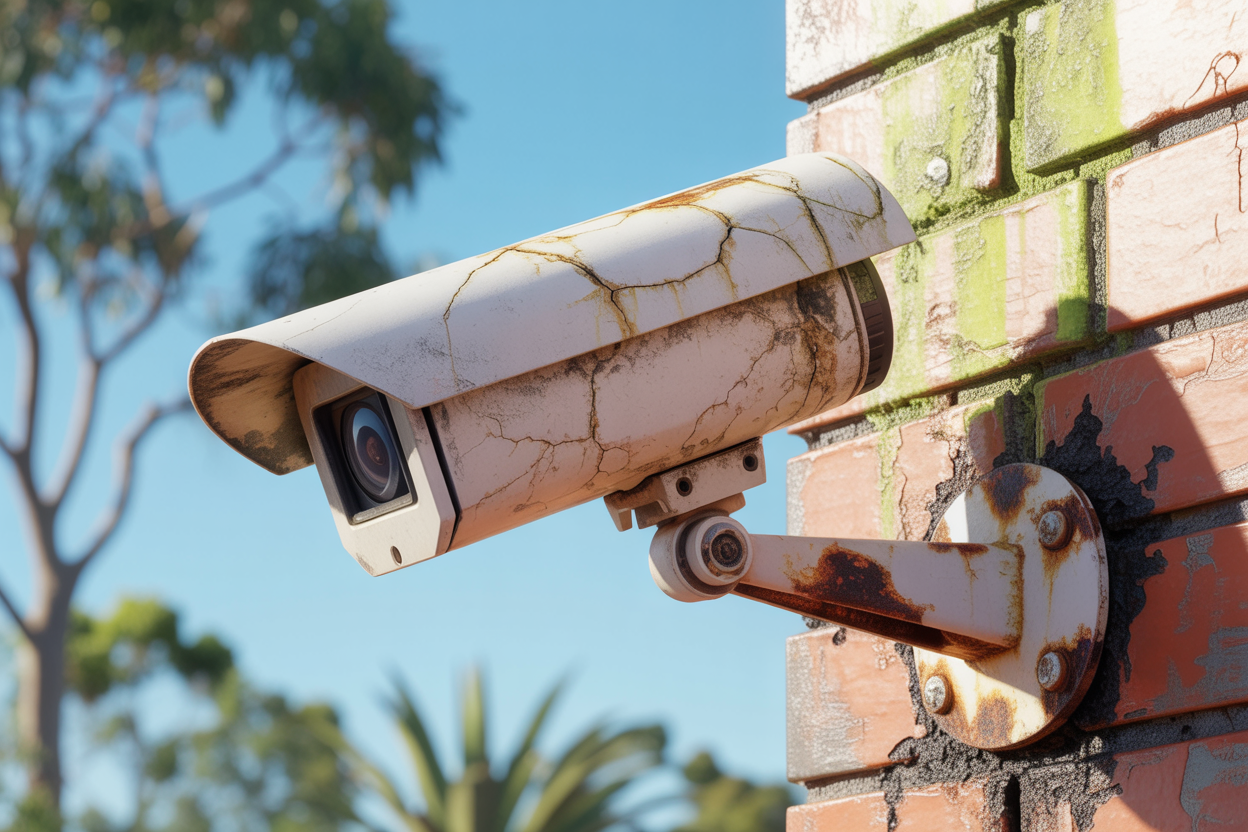
UV degradation on camera housings — the plastic yellows, cracks, and eventually lets moisture in. North-facing and west-facing cameras cop it hardest.
Storm season moisture ingress — if the seals on outdoor units have aged out, water gets in. It's slow damage that's hard to spot until the camera dies entirely.
Heat stress on DVR and NVR units stored in roof cavities — Queensland roof spaces reach extreme temperatures in summer. No piece of electronics is designed to operate there long-term.
Coaxial cable brittleness — repeated heat expansion and contraction makes older cable stiff and prone to signal loss at the connectors.
App and Connectivity Failures
A lot of older systems used manufacturer apps that have since been discontinued. The company folded, got acquired, or stopped supporting older firmware. The result is a system that records locally but can't be accessed remotely — no live view from your phone, no way to check the kids got home, no real-time alerts late at night.
There's also a technical problem that's become more common as routers have been upgraded. The P2P connection protocols older systems relied on are increasingly blocked by modern router firmware. Even if the app still exists, it won't connect through a current NBN router without workarounds most homeowners won't figure out on their own. If you've given up on remote access and just accepted it doesn't work — that's a significant gap in your system's actual function.
The Upgrade Option: What's Actually Possible
Upgrading Cameras Only (Same Infrastructure)
HD-over-coax technology — HD-CVI, HD-TVI, and AHD are the most common variants — allows modern, high-resolution cameras to run on your existing coaxial cabling. The cable stays where it is. Only the cameras get swapped out. Cabling is a significant portion of any CCTV installation cost, so keeping it saves real money. This path works best when your cabling is sound, your DVR can support higher resolution, and your main frustration is image quality rather than dropouts or connectivity failures.
Upgrading the Recorder
Older DVR units fail in two common ways — hard drive failure (consumer-grade HDDs running around the clock have a limited lifespan and often drop footage without warning) and discontinued app support (if the manufacturer has moved on, remote access stops working entirely). A modern NVR supports higher channel counts, AI-assisted motion detection that filters out cars and animals, current smartphone apps, and cloud backup alongside local storage.
Adding Cameras to an Existing System
Most DVR and NVR units are sold with more channels than the installer uses. An 8-channel recorder might only have 4 cameras connected. If you've got a front door camera but nothing covering the back gate or side passage, the infrastructure is already there — it just needs cameras added to the unused channels. The key is compatibility: new cameras need to match the existing system in camera type, resolution, and power supply method.
When Full CCTV Replacement Makes More Sense
The Analogue Dead End
Older analogue systems have no upgrade path — the technology is a dead end and the only direction is out. HD-over-coax requires a specific signal that analogue infrastructure can't carry. Look at the DVR label directly. Analogue-only units show no reference to HD-CVI, HD-TVI, AHD, or IP. If the label shows nothing but standard channel inputs, you're looking at a full replacement conversation.
Infrastructure That's Beyond Saving
Storm seasons put real stress on outdoor cable runs — particularly where conduit hasn't been used. Moisture gets into connectors, UV breaks down cable jacketing, and in older installs we sometimes find pest damage that's compromised entire cable runs the homeowner had no idea about. Intermittent signal loss — the feed cutting in and out rather than failing completely — is often a cabling issue at a specific connector. When re-cabling is required anyway, the labour cost often brings the total upgrade cost level with — or past — a complete system replacement.
The Long-Term Value Calculation
Investing in a targeted upgrade on an ageing system extends its life by a couple of years at best — and before long, you're having this same conversation again. A full IP system replacement — modern PoE cameras, a current NVR, structured cabling — carries a realistic lifespan well beyond anything a patched-up older system can offer. The image quality is in a different league. The system is also built on infrastructure that can be expanded incrementally as technology develops.
How to Choose the Right CCTV Installer
The difference between a good installation and a frustrating one almost always comes down to who did the work. A thorough site assessment includes a physical inspection of cabling and recorder, a camera placement review against blind spots, a written recommendation in plain English, and an itemised quote. If an installer hands you a single-line total with no breakdown — that's a sales visit, not an assessment.
Four questions to ask before committing:
Are you licensed? Queensland law requires a security installer licence. Ask for the number and cross-reference it with ASIAL — the Australian Security Industry Association Limited.
Do you carry your own product warranty? Big difference between an installer who stands behind their work and one who points you to a manufacturer's 1300 number when something fails.
What ongoing support do you offer? A local installer who'll come back out months later is worth far more than a cheaper quote from someone you'll never hear from again.
Can you provide a written, itemised quote before work begins? Non-negotiable.
An installer who recommends full replacement without inspecting your existing infrastructure is giving you their preferred outcome, not an honest recommendation. Vague answers on licensing or warranty should stop the conversation entirely.
Brisbane-Specific Considerations for Your System
Weatherproofing for Queensland Conditions
The minimum rating for any outdoor camera in a Queensland installation is IP66 — fully dust-tight and protected against powerful water jets, covering the horizontal rain Brisbane sees in summer storms. For exposed positions, IP67 is more appropriate. UV-stabilised housings are non-negotiable for north-facing and west-facing positions — standard polycarbonate will yellow and crack in direct Queensland sun, letting moisture in. Any external cable run needs conduit. Surface-mounted cables without conduit don't last.
Heat Management for Recording Equipment
Queensland roof spaces reach extreme temperatures in summer — well beyond what consumer electronics are rated to handle. A recorder in a roof cavity runs outside its designed range every day for months, leading to accelerated hard drive failure or complete unit failure during the hottest periods — exactly when you're most likely to be away and the house is empty. Recorders should go in a climate-controlled space: a linen cupboard, home office, or dedicated cabinet. A good installer plans the recorder location first and runs the cabling to suit.
Remote Monitoring for Queensland Lifestyles
For a lot of families, remote monitoring is the primary reason they're upgrading. School-age kids arriving home while parents are still at work. A house empty during school holidays. A current system handles both without fuss — motion-triggered alerts mean you're notified when something happens, not watching cameras all day. Modern cameras also integrate with Google Home and Alexa, adding a layer of visible deterrence older standalone systems can't offer.
Not Sure Whether to Upgrade or Replace? Let Us Take a Look First.
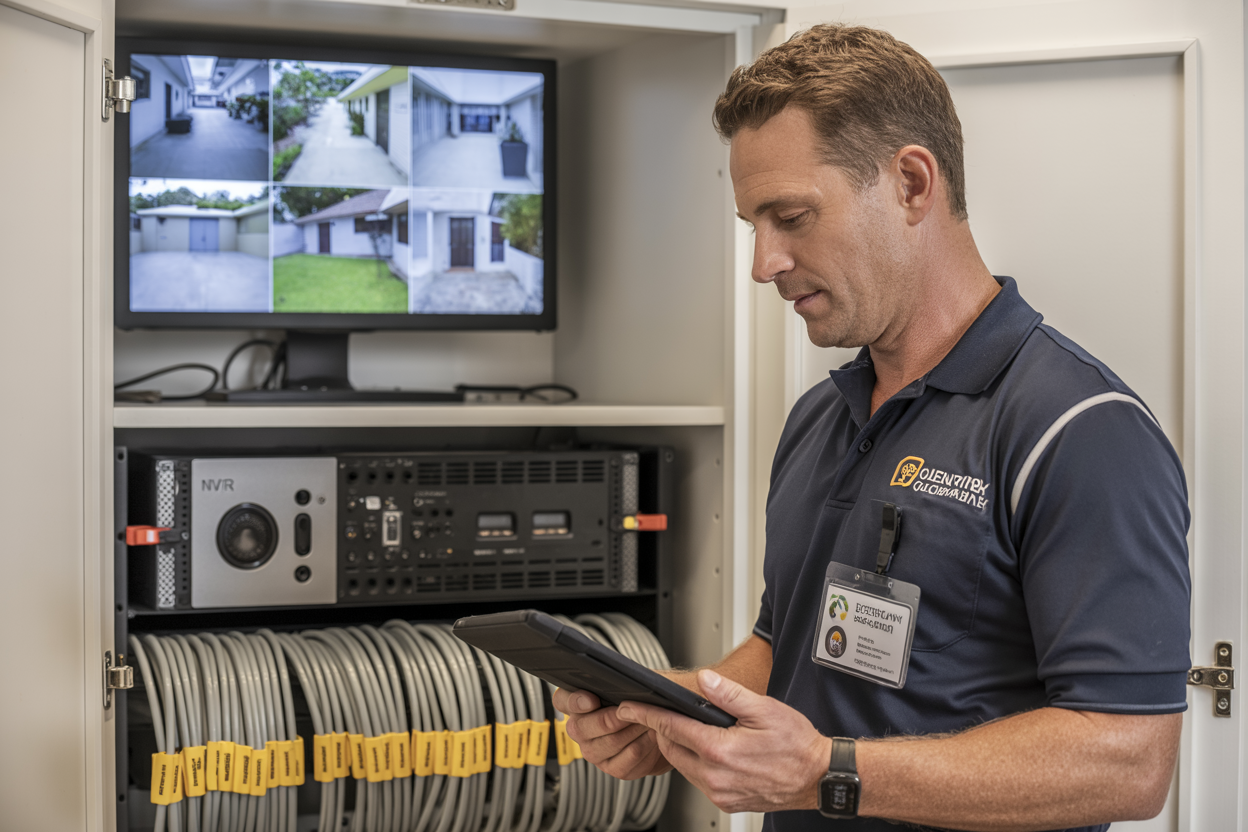
Our licensed team will inspect your existing system, test your cabling, and give you an honest written recommendation — upgrade, replace, or leave it alone. No hard sell. No obligation.
Step 1: Call or submit your details and we'll confirm an appointment.
Step 2: Our licensed installer tests your cabling and cameras and documents exactly what your system is — and isn't — doing. Step
3: You get a written recommendation with itemised pricing and no pressure to proceed.
Is It Time to Upgrade Your Old CCTV System — Or Start Fresh?
There's no universal answer. Whether you upgrade your old CCTV system or replace it depends on what's actually underneath — your cabling condition, your recorder's age, the state of your camera housings, and how your infrastructure has held up against the Queensland climate.
What is universal: a system that hasn't been assessed in years is almost certainly not performing the way you think it is. The red light is blinking. The hard drive is recording. But whether that footage would actually help Queensland Police identify someone — that's a different question entirely. A licensed installer can tell you within a single visit whether your system is worth upgrading, whether it's reached the end of its life, or whether a targeted fix is all you need. No guesswork. No spending money before you know what you're dealing with.

