
How to Choose Security Cameras for Brisbane Homes in 2026
You've decided you want security cameras — but now you're staring at a dozen different options online and wondering where to even start. Wired or wireless? How many do I actually need? What's all this talk about IP ratings and PoE and NVR?
You're not alone. Most homeowners hit exactly this wall. The decision feels urgent — something nearby has made sure of that — but the sheer number of choices makes it easy to stall, second-guess, or end up buying the wrong system entirely. That's not a knowledge problem. That's an information overload problem.
This guide cuts through all of it. By the end, you'll know exactly what type of cameras suit your home, how many you need, where to place them, and what outdoor conditions demand from any camera you put outside.
No fluff. No spec sheets. Just clear answers.
How to Choose a Security Camera for Your Home: The Key Decisions
Knowing how to choose security cameras really comes down to six decisions. Get these right and everything else falls into place:
Indoor or outdoor placement — outdoor cameras must be weatherproof, rated IP66 or higher to handle heat, UV exposure, and wet weather
Resolution — minimum 1080p for usable footage; 4K recommended for driveways and entry points where facial or number plate recognition actually matters
Wired or wireless — wired (PoE) systems offer more reliability and no battery management; wireless suits rentals or positions where running cable just isn't practical
Storage type — local NVR/DVR storage keeps your footage private and avoids ongoing subscription fees; cloud storage offers remote access but adds monthly costs that stack up fast
Night vision — every outdoor camera needs it; colour night vision gives you far more usable footage than basic infrared
Number of cameras — a standard 3–4 bedroom home typically needs 4–6 cameras for full entry-point coverage
Every one of those decisions gets unpacked properly in the sections below.
Why Your Home Has Unique Security Camera Requirements
Here's something most generic "best security cameras" articles won't tell you: the right camera system depends entirely on your home's layout, your climate, and the specific blind spots your property creates. A system that works perfectly for one home can be completely wrong for another.
What Your Local Climate Demands from Camera Hardware
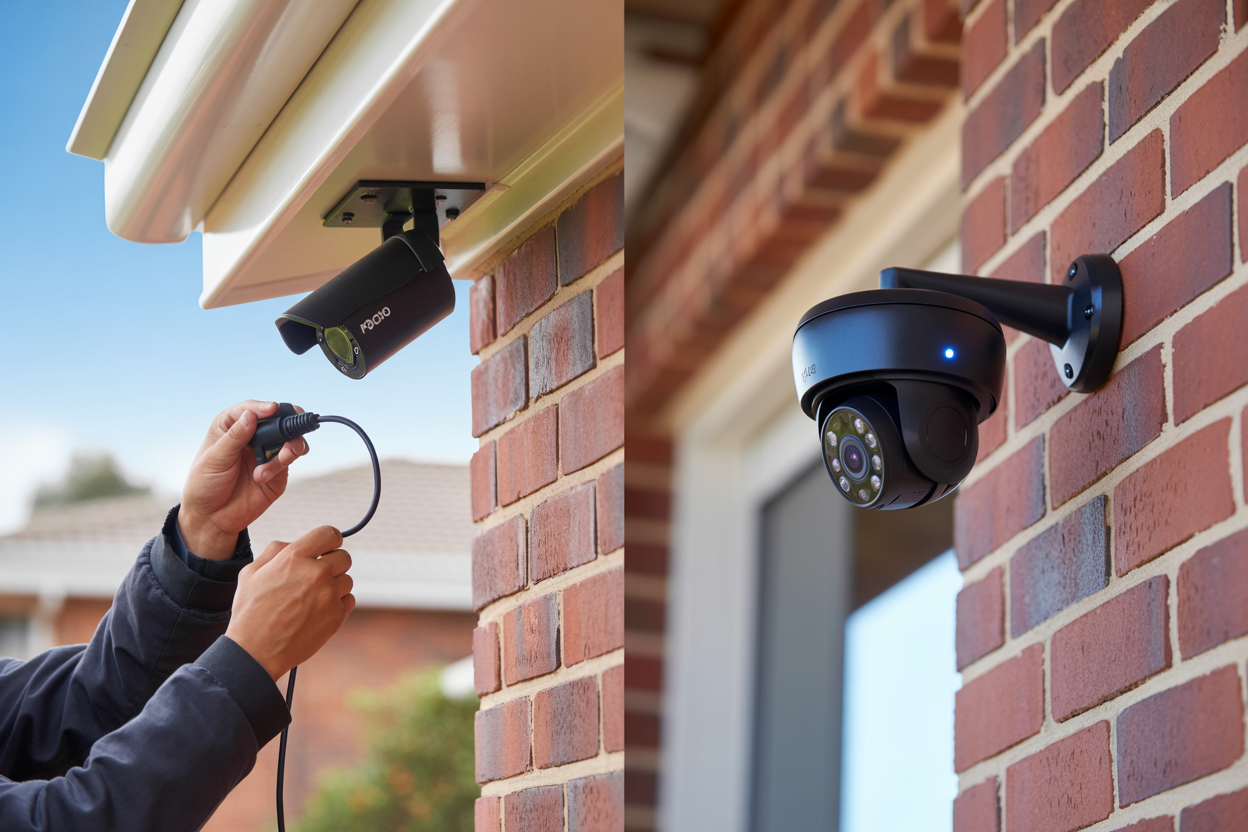
If you live somewhere with harsh summers, UV exposure, or heavy seasonal rain, cheaper camera housings simply won't last. They're typically made from standard ABS plastic that yellows, cracks, and degrades within a year or two outdoors. The seal that keeps moisture out fails. Water gets in. The camera dies — usually at the worst possible time.
When you're looking at outdoor cameras, IP ratings aren't just a spec sheet detail — they're a practical filter.
UV-stabilised housings are equally important. A camera marketed as "weatherproof" isn't always UV-rated. Check the spec sheet. If it doesn't mention UV resistance or UV-stabilised materials, assume it's not built for outdoor longevity.
Why Generic "Best Camera" Lists Don't Apply to Your Home
Most "best home security cameras" articles are written for a broad audience with no knowledge of your specific property. They ignore the architectural features that create real blind spots — the things an experienced installer spots immediately on a site visit but that no online guide accounts for:
Side passages — the narrow gap between your house and the fence line is one of the most commonly exploited access points, and one of the most overlooked in camera planning
Detached garages — they sit outside the coverage zone of a front-door camera and need their own dedicated coverage
Under-deck areas — a concealed access point at the rear of the property that's invisible from street level
Long driveways — a standard wide-angle camera at the front door won't give you usable footage of a vehicle or person at the far end
These blind spots need to be part of the conversation before a single camera gets mounted.
Wired vs Wireless Security Cameras — Which Is Right for You?
The honest answer is: it depends on your home, your situation, and how much ongoing involvement you want with your security system.
How Wired (PoE) Security Camera Systems Work
PoE stands for Power over Ethernet. A single cable runs from each camera back to a central recording device — called an NVR (Network Video Recorder) — carrying both power and data. No separate power supply at each camera. No WiFi required.
The NVR sits inside your home and records continuously to a hard drive. Your cameras connect to your phone app through your home internet, but the actual recording happens locally regardless of whether your internet is up.
Wired systems are the industry standard for a reason. They're stable, they don't rely on your WiFi signal, and once they're installed correctly, they essentially run themselves.
How Wireless and WiFi Security Cameras Work
Wireless cameras connect to your home WiFi network and either record to a local device or upload footage to a cloud server. Battery-powered wireless cameras take that a step further — no cable at all, which makes them genuinely flexible in terms of placement.
The appeal is obvious. No cable runs, less invasive installation, easier to reposition if needed. For a rental property where you can't run cables through walls, or for a specific camera position where cabling just isn't practical, wireless makes sense.
But there are real trade-offs that don't always get mentioned in the product marketing.
Heavy weather brings WiFi dropouts and power fluctuations that can take wireless cameras offline at exactly the moments you'd most want them recording. A wired PoE system with a UPS (uninterruptible power supply) keeps recording through a power blip. A wireless camera on WiFi almost certainly won't.
Choose wired (PoE) if you own your home, want full coverage with minimal ongoing maintenance, and don't want monthly subscription costs. Choose wireless if you're renting, can't run cables, or need to fill a specific gap in an existing wired system.
For most owner-occupiers, a wired PoE system is the right foundation. Wireless cameras can complement that — covering hard-to-reach spots — but they're rarely the right base for a complete home security system.
How Many Security Cameras Does Your Home Actually Need?
This is where a lot of homeowners get either oversold or undersold. Getting the number right comes down to your home's layout and knowing which zones actually need coverage — not just going by bedroom count.
The 5 Must-Cover Zones for Any Home
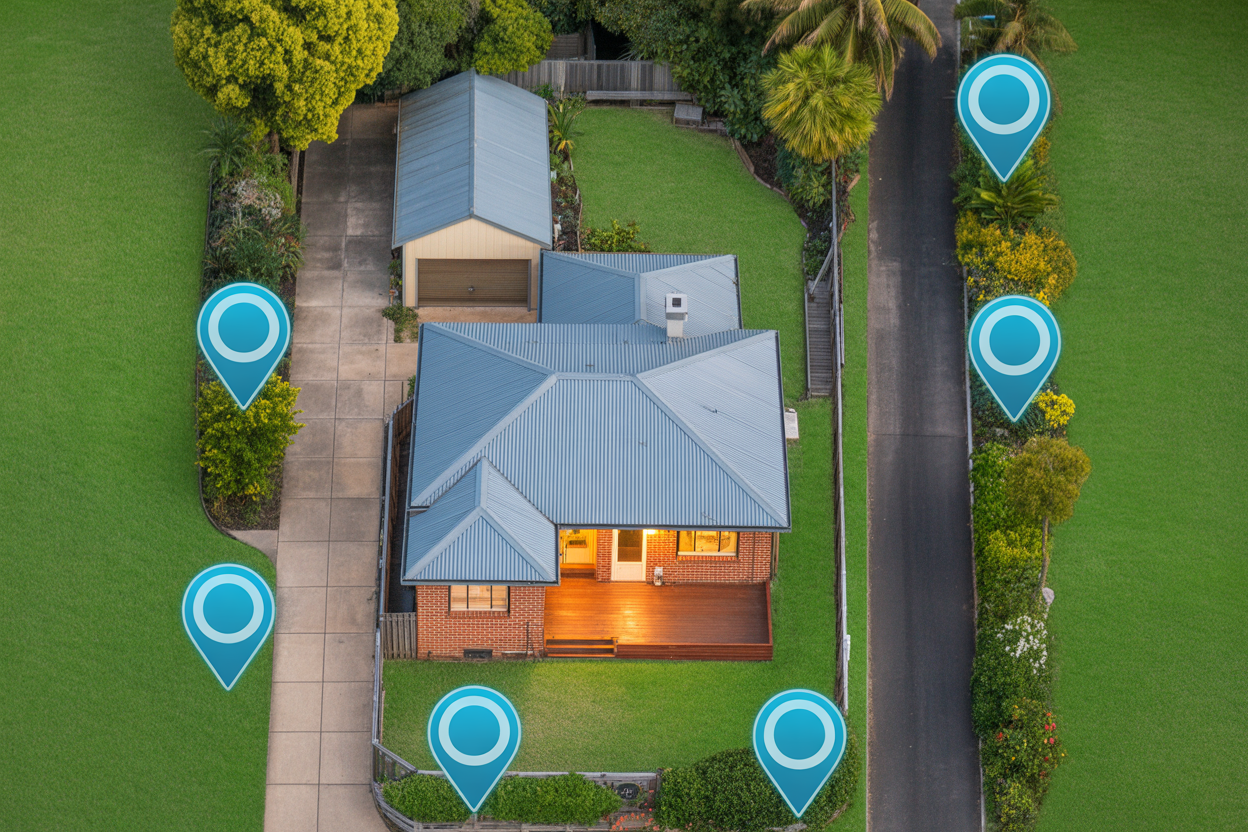
There are five zones every residential camera system should cover. These are the access points that matter most:
Front entry and driveway — your primary access point, and where most opportunistic theft happens. This zone often benefits from two cameras: one wide-angle for overall coverage, one tighter shot covering the door itself
Back door and rear yard — the most common point of entry for break-ins. A camera covering the back door and one covering the rear fence line are both worth considering
Side passages — one camera per side passage, angled to cover the full length
Garage — whether attached or detached, your garage likely contains thousands of dollars of equipment and may provide internal access to your home
Street-facing view — a wider angle covering the street gives you context footage if a vehicle or person approaches before an incident
Camera Count by Home Size
These are starting points, not fixed rules. A 3-bedroom home on a corner block with a side gate and detached shed needs different coverage than a 3-bedroom townhouse with a single entry point. Layout always trumps bedroom count.
The Blind Spots Installers See Every Time
The side passage is number one — homeowners plan for the front and back and forget the narrow passage running down the side of the house. It takes seconds to walk from the front fence to the back yard, and without a camera there, it's invisible.
Under-deck areas create a sheltered, concealed space invisible from street level. Detached garages sit in a coverage gap the front door camera doesn't reach. Back gates on properties with rear lane access are consistently underestimated.
The cost of under-buying and retrofitting cameras later is almost always higher than getting it right the first time.
What Camera Resolution Do You Actually Need?
The question that actually matters here isn't about megapixels — it's this: will I be able to identify someone on my driveway at night?
1080p vs 4K — The Real-World Difference
1080p (Full HD) is the baseline. At close range — a camera covering a front door from 3–4 metres — it gives you clear, usable footage. You can identify faces, read clothing, see distinguishing features.
The problem starts when distance increases. At 8–10 metres, 1080p footage of a face becomes marginal. At 15 metres — the length of a longer driveway — making a positive identification from 1080p footage alone can be genuinely difficult.
4K cameras capture roughly four times the pixel density of 1080p. You can digitally zoom into 4K footage after the fact and still retain enough detail for identification. For footage to be useful to police in an investigation, that clarity matters.
4K is worth it for driveways longer than 8 metres, front entry points where number plate recognition matters, and any position where the subject will be more than 6–7 metres from the lens.
1080p is adequate for internal garage cameras at close range, narrow side passages where the camera is close to the subject, and supplementary cameras where general monitoring is the goal rather than identification.
There's also a future-proofing argument. 4K is increasingly the standard and storage costs are coming down. Buying 1080p now and replacing them in a few years costs more than buying 4K once.
Night Vision — Colour vs Infrared
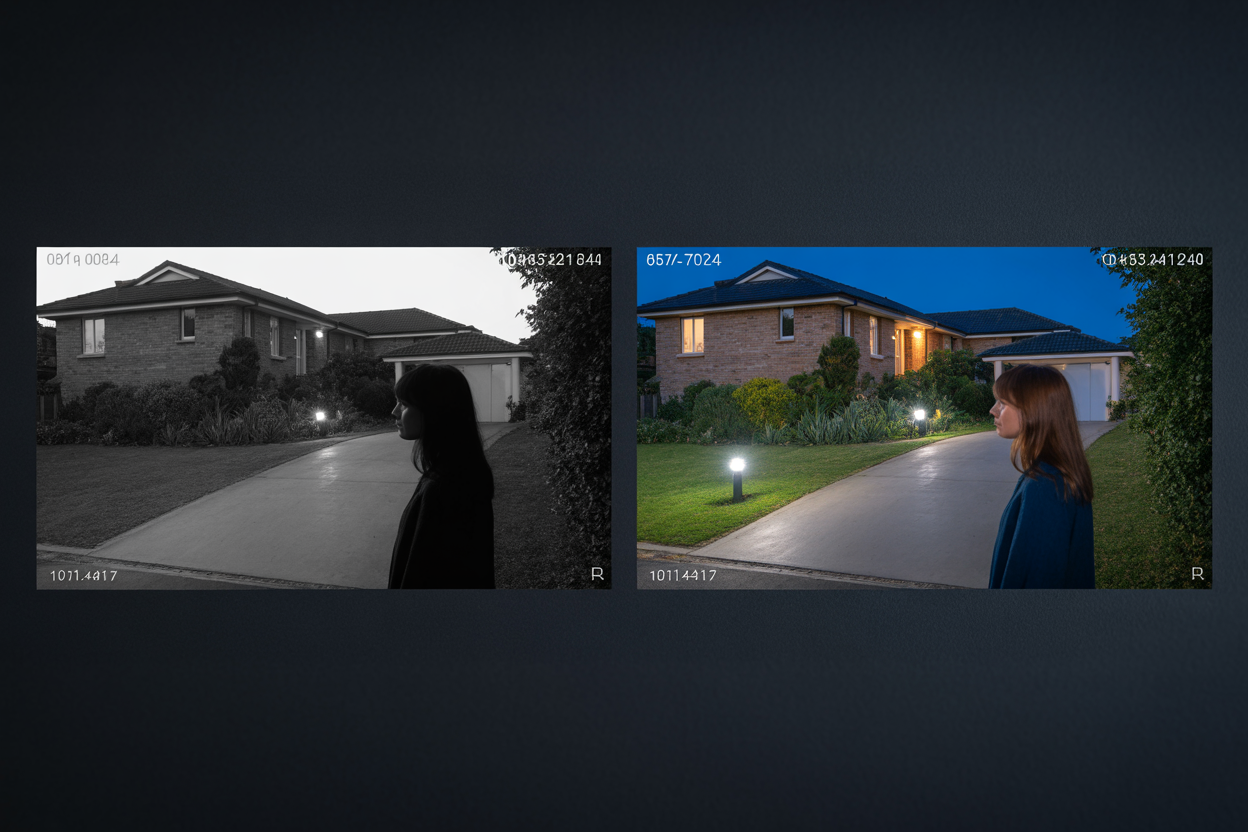
Standard infrared night vision produces black-and-white footage. It shows you that someone is there — but not what colour shirt they're wearing or what colour their car is. Colour night vision captures those details in low light. A white sedan versus a dark blue one. A red hoodie versus a grey one. For driveway and front entry cameras, colour night vision is worth the modest price premium.
If your driveway has no ambient light at all, a camera with a built-in spotlight or an external light source will get you the best results.
Local vs Cloud Storage — What Happens to Your Footage?
Where does the footage actually go — and will it be there when you need it?
NVR — Local Storage
An NVR (Network Video Recorder) sits inside your home and records footage from all your cameras to an internal hard drive. Everything stays local — on hardware you own, with no monthly fees and no third party involved. If your internet goes down, your cameras keep recording without interruption because the NVR doesn't need the internet to function. For most owner-occupiers, an NVR-based system is the right foundation.
Cloud Storage — The Trade-offs
Cloud storage means your footage is off-site. If someone breaks in and takes your NVR, the footage is still accessible. But cloud storage comes with ongoing subscription fees per camera that compound significantly over time. Always ask what the monthly cost per camera is before committing.
A hybrid approach — local NVR as the primary storage with optional cloud backup — gives you the best of both without the recurring cost of a full cloud setup.
How Long Should Footage Be Stored?
30 days is the recommended minimum. You might not discover a break-in, a missing item, or a package theft immediately — some incidents only come to light a week or more after they happen. Many basic cloud plans default to 7 days. Always ask: how many days does this system store before it overwrites?
How to Choose a Security Camera Installer
Finding the right installer matters as much as choosing the right cameras.
Ask for proof of licensing and verify it independently. Ask what warranty they provide on both hardware and labour — these are two separate things and both matter. Ask to see examples of completed work, and ask specifically what happens if something goes wrong after installation. A confident, established business will answer all of these without hesitation.
Be wary of installers who won't provide a written quote with itemised inclusions, offer only verbal warranty terms, or pressure you to decide on the spot. Legitimate installers don't need to rush your decision. A significantly cheaper quote than everyone else usually reflects something — cheaper hardware, faster installation, or a business that won't be around if you need support later.
A properly executed installation should cover a full property walkthrough before any drilling starts, neat cable management through roof space or conduit rather than surface-mounted along walls, all penetration points sealed against water ingress, cameras mounted and adjusted on the day, full app setup on your phone, and written warranty documentation before the installer leaves.
You Now Know More Than Most Homeowners Do Before They Book
You understand the difference between wired and wireless. You know which zones on your property need coverage. You know what questions to ask before anyone sets foot on your property. And you know what a well-installed system actually looks like.
That knowledge means you're not going to get oversold a system you don't need, undersold one that leaves half your property unmonitored, or caught off guard by terms nobody mentioned at the quote stage.
Choosing security cameras doesn't have to be complicated. It just has to be done right — the right system for your property, installed by someone licensed and accountable, with footage stored in a way that's actually there when you need it.
Your family's safety is worth one phone call.

