
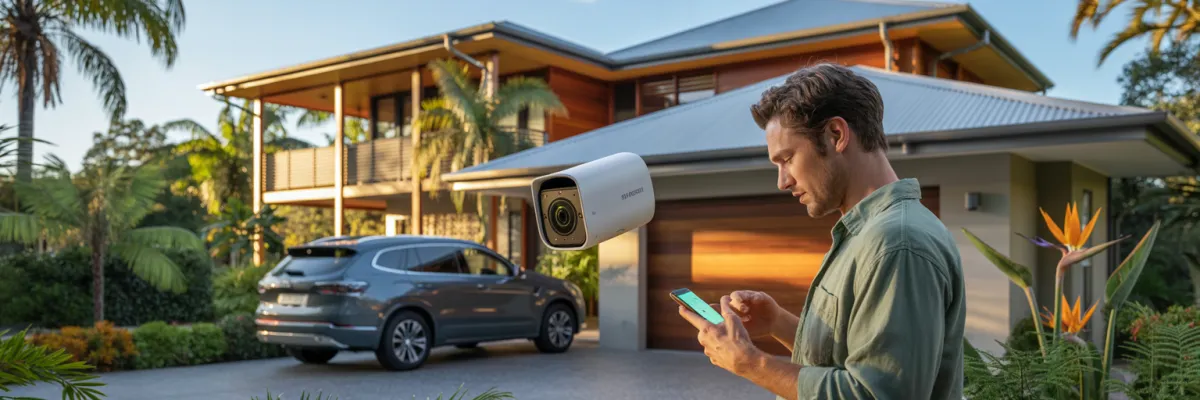
How to Set Up a Camera Viewing System in Brisbane Fast
You've got cameras picked out, a house full of reasons to install them, and a phone you'd love to use to check on things while you're at work — so why does setting up a camera viewing system feel so complicated?
People are ready to get cameras up. They know they want it. But somewhere between "I'll sort this out this weekend" and actually watching their front door live on their iPhone, something gets in the way. Usually it's confusing information, technical jargon, or an installer who made it all sound harder than it needed to be.
A camera viewing system isn't just cameras stuck to your walls. It's the complete setup — cameras, recorder, storage, app, and remote access — that lets you pull out your phone at school pickup and see exactly what's happening at your back gate in real time. By the time you finish reading this, you'll know which type of system suits your home, what you actually need, how setup works, and how to choose the right installer. No jargon. No upselling.
What Is a Camera Viewing System? (Plain-English Answer)
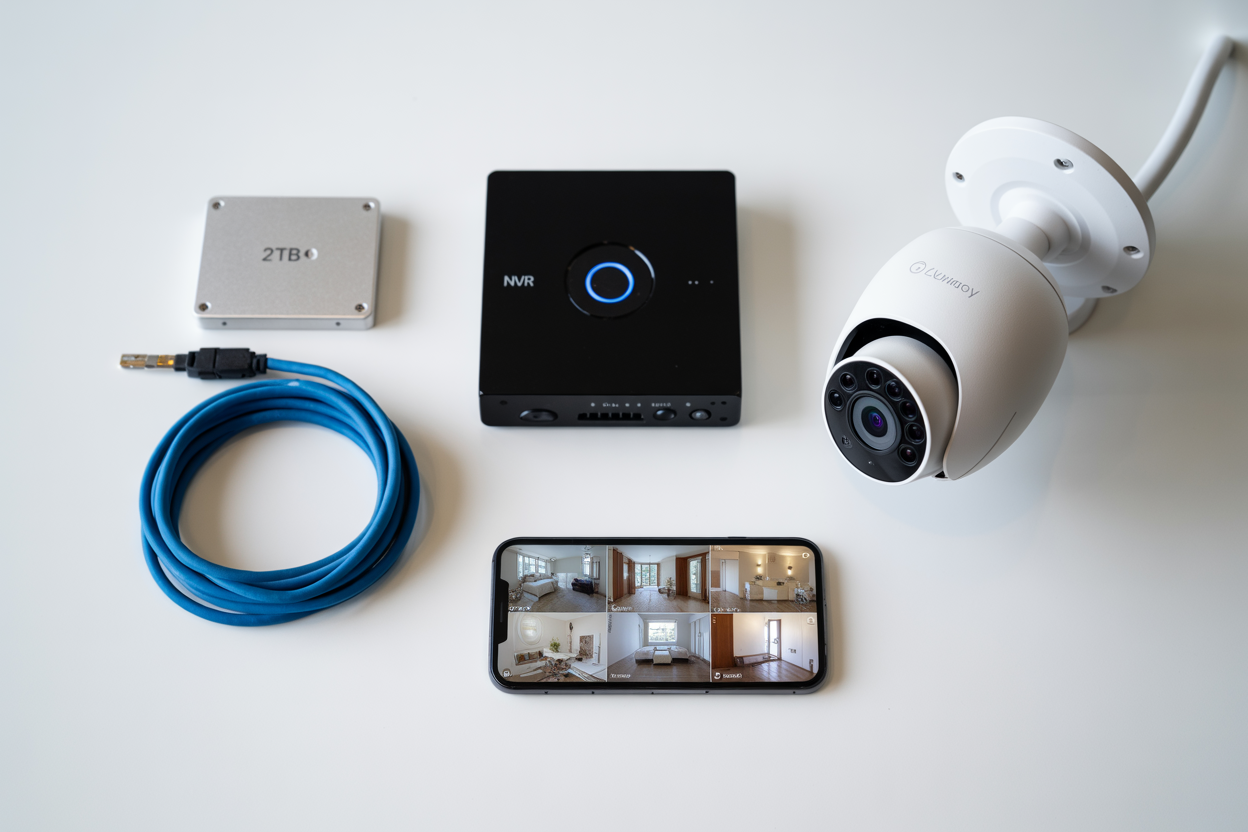
A camera viewing system is the complete setup that lets you monitor your home — live and recorded — from your phone, a computer, or a monitor at home. It's not just the cameras. It's everything working together as one system.
A complete camera viewing system includes:
Cameras — capture footage at your entry points, driveway, back gate, and other key zones
Recorder (DVR or NVR) — processes and saves the footage your cameras capture
Storage — a hard drive inside the recorder (local storage) or a cloud subscription
Viewing app — software on your iPhone or Android for live and playback access from anywhere
Monitor (optional) — a screen at home to view footage directly without your phone
The reason this matters is that a camera on its own — even an expensive one — is only half a security system. Without a properly configured camera viewing system, you've got no remote access, no reliable footage storage, and nothing Queensland Police can use if something happens on your property.
Why Brisbane Homeowners Are Prioritising Camera Viewing Systems Right Now
Brisbane isn't the kind of city where most people think about home security until something happens nearby. Then, almost overnight, it becomes the only thing they're thinking about. A post in a suburb Facebook group. A neighbour's car gone from their driveway. A noise outside late at night. Whatever the trigger — you're not overreacting.
According to Queensland Police Service data at mypolice.qld.gov.au, property crime including unlawful entry and vehicle offences remains one of the most consistently reported crime categories across Brisbane's suburbs. The Australian Institute of Criminology has found that homes with professionally installed CCTV are up to 300% less likely to be targeted than comparable homes without visible cameras — a deterrence effect documented across multiple Australian studies.
Why Cameras Alone Aren't Enough
You can spend good money on cameras, mount them in the right spots, and still end up with a system that doesn't protect your family. If your storage isn't configured, if your app isn't linked to your network — you've got equipment on your walls, not a functioning security system. A camera you can't watch is only half a security system. And footage that isn't accessible isn't evidence.
The Window When No One's Watching
For a lot of Brisbane families, the most exposed time isn't overnight — it's that gap between school finishing and parents getting home. The house sits effectively unmonitored. A configured camera viewing system with motion alerts closes that window. The moment something moves at the back gate, your phone gets a push notification. You check the app, see it's your neighbour dropping off a parcel, and go back to your meeting. Or you act immediately on something that doesn't look right — not hours later when you get home.
The 4 Types of Camera Viewing Systems — Which One Suits Your Home?
Getting this wrong is one of the most common reasons people end up with a system they're not happy with. Here's a plain-English breakdown.
1. Wired DVR/NVR Systems — Best for Full Coverage Homes
Runs physical cables from each camera back to a central recorder. No Wi-Fi dependency, no batteries, no signal drop.
Best for: Owner-occupiers wanting complete, reliable coverage across all entry points.
Pros: Most reliable footage quality. Keeps recording when NBN drops during storms. Footage stays on your property on a local hard drive.
Cons: Cables run through ceiling cavities — professional installation is the practical choice here.
2. Wireless Wi-Fi Camera Systems — Best for Renters and Quick Setups
Cameras connect to your home Wi-Fi rather than running physical cables.
Best for: Renters, newer builds with limited ceiling access, or anyone needing a quick setup.
Pros: Faster to install. Portable. No major cable runs.
Cons: Performance depends entirely on Wi-Fi signal strength. In Brisbane's storm season, when NBN drops, remote access drops with it.
3. Hybrid Systems — Wired Reliability With Wireless Flexibility
Wired cameras at your most important entry points, wireless cameras filling in locations where cable runs aren't practical — a detached shed or back fence too far from the house.
Best for: Homeowners where full cable runs would be too disruptive. One recorder manages both camera types through a single app.
4. Cloud-Based Systems — Access Anywhere, No Hard Drive
Footage stores on remote servers rather than a hard drive at home.
Best for: People wanting minimal on-site hardware and simple setup.
Pros: No on-site hard drive to fail. Easy access from anywhere.
Cons: Ongoing monthly subscription. Footage sits on overseas servers. If your NBN drops during a storm, cloud upload stops and footage from that window may not be recoverable.
What You Actually Need to Set Up a Camera Viewing System
Non-negotiable:
Cameras — 4–6 cameras covers the five key entry zones on a typical Brisbane home. 4MP resolution or higher gives you footage usable as evidence.
Recorder (DVR or NVR) — must match your camera type with enough channels to expand later.
Hard drive — for 30 days of continuous recording, storage capacity matters. Ask your installer what's right for your setup.
Cables — for wired systems, how penetrations are sealed matters enormously in Brisbane's subtropical climate.
Router access — your recorder connects to your home router for remote viewing to work.
Optional:
Monitor — your iPhone app handles remote viewing. A dedicated screen inside the home is useful but not required.
Smart home integration — Google Home or Alexa compatibility is available on some systems but doesn't affect core security function.
Local Storage vs Cloud Storage
Local NVR storage: Footage records to a hard drive inside your home. No subscription, no overseas server, no third-party access. This is what most Brisbane homeowners choose once they understand the difference.
Cloud storage: Footage survives if someone takes the recorder — but subscription costs add up and your home footage sits on someone else's server. For most homeowners, local storage is the right call.
How to Set Up Your Camera Viewing System — Step by Step
Step 1: Plan Camera Positions First
Five zones every camera viewing system should cover:
Front door — the most common entry point for opportunistic intruders
Driveway — vehicle theft, package delivery, anyone approaching from the street
Back gate — the blind spot on most suburban blocks
Side passages — unmonitored access between the front and back of the property
Garage — especially if it connects internally to the house
Walk your property and look for blind spots before buying anything.
Step 2: Install Your Recorder
Choose somewhere cool, dry, and not obvious to anyone who's broken in. Roof spaces and garages regularly exceed 40°C in Brisbane summer — that shortens hard drive life significantly. Connect your recorder to your router via ethernet, not Wi-Fi, for stable remote access performance.
Step 3: Run Cables or Connect to Wi-Fi
For wired systems, cables run through ceiling cavities and exit through external walls at each camera location. Every external penetration must be properly sealed — unsealed cable entries let subtropical moisture work back along the cable toward your recorder. Failure doesn't happen overnight; it builds quietly across a wet season.
Step 4: Configure the App and Remote Access
Here's where most DIY setups fall over. Remote access — viewing cameras from your phone away from home — requires port forwarding rules configured in your router. Without this, your app works perfectly on home Wi-Fi and goes blank the moment you switch to mobile data.
A professional installer does this as standard and steps outside to test remote access on mobile data before leaving. If your installer doesn't mention port forwarding, ask directly.
Step 5: Test Angles and Night Vision
Walk to each camera and confirm what it's actually capturing on screen. A camera angled slightly too high misses faces entirely — small adjustments here make a real difference when footage matters. Test IR night vision after dark and check for reflection bounce from nearby walls.
Step 6: Configure Motion Alerts
Draw motion detection zones around entry points specifically — not the whole frame. Brisbane's afternoon breezes move foliage constantly; sensitivity set too high floods your phone with false alerts. Start at medium, adjust after the first week of real-world performance.
Brisbane-Specific Factors You Need to Know
Heat, UV, and Storm Season
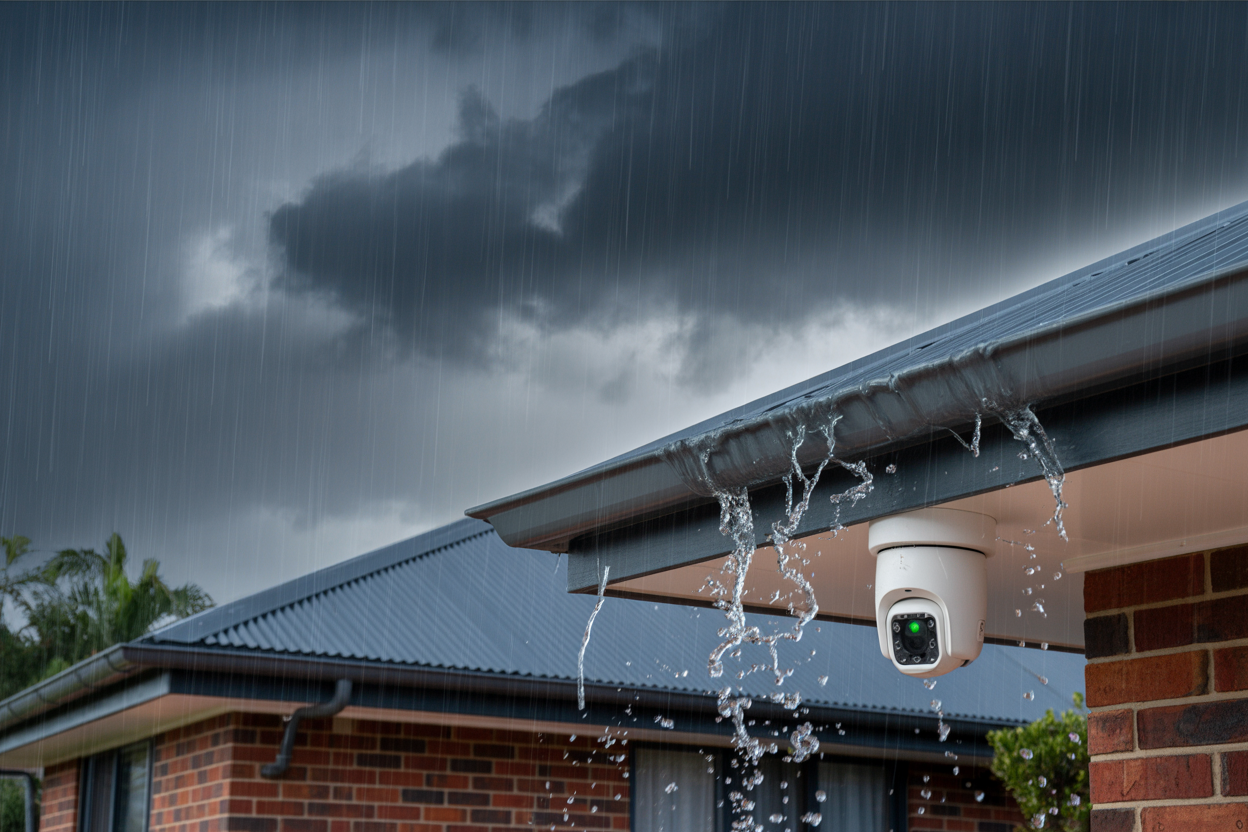
Brisbane's subtropical climate is harsh on outdoor electronics. Summers regularly exceed 35°C, storm season brings heavy rain and hail, and UV exposure is relentless year-round. Cheaper camera housings degrade under sustained UV — discolouration first, then cracking around cable entries. Once the housing fails, moisture gets in and the camera fails with it.
What to insist on: IP66 or IP67 weatherproof rating and UV-stabilised housing. A camera can be IP67 rated but still use non-UV-stabilised casing that degrades in Queensland sun. Ask specifically about both.
Queensland Privacy Laws
The Invasion of Privacy Act 1971 applies to residential CCTV. The principle: you can record your own property and entry points. Avoid cameras angled to capture a neighbour's private outdoor areas. A professional installer angles cameras to maximise your coverage while keeping neighbouring spaces out of frame. The Queensland Human Rights Commission provides guidance at qhrc.qld.gov.au.
Power Outages During Storm Season
When power goes out, your system stops recording. A UPS (Uninterruptible Power Supply) keeps your recorder and router running during an outage. For Brisbane homeowners, it's one of the most practical additions to any camera viewing system.
DIY vs Professional — The Honest Comparison
The 3 Most Common DIY Mistakes in Brisbane
1. Wrong camera angles — Getting this right comes from experience across hundreds of residential jobs. A first attempt often gets it close but not quite right, and close doesn't help when you need usable footage.
2. Poor weatherproofing — Unsealed cable penetrations let subtropical moisture work back toward the recorder. It happens gradually over a wet season. By the time a camera fails, the damage is already done.
3. Port forwarding failures — The most common reason homeowners end up with a system that works at home and nowhere else. The camera viewing system installed for remote peace of mind delivers no remote access at all.
What Professional Installation Includes
Commercial-grade equipment with better sensors, more robust housings, and longer lifespans
UV-rated silicone weatherproofing on every cable exit point, applied correctly
App and remote access configured and tested from outside the property before the job is signed off
A 12-month labour warranty — if anything fails due to workmanship, it gets fixed at no cost
Ready to Get Your Camera Viewing System Running?
Step 1 — Get in touch for a free phone consultation. Tell us about your home and what's prompted you to look into cameras. We'll tell you exactly what we'd recommend and why.
Step 2 — Receive a transparent, itemised quote with every component and warranty condition in writing.
Step 3 — Professional installation, app configured, system tested, and full walkthrough before we leave.

