
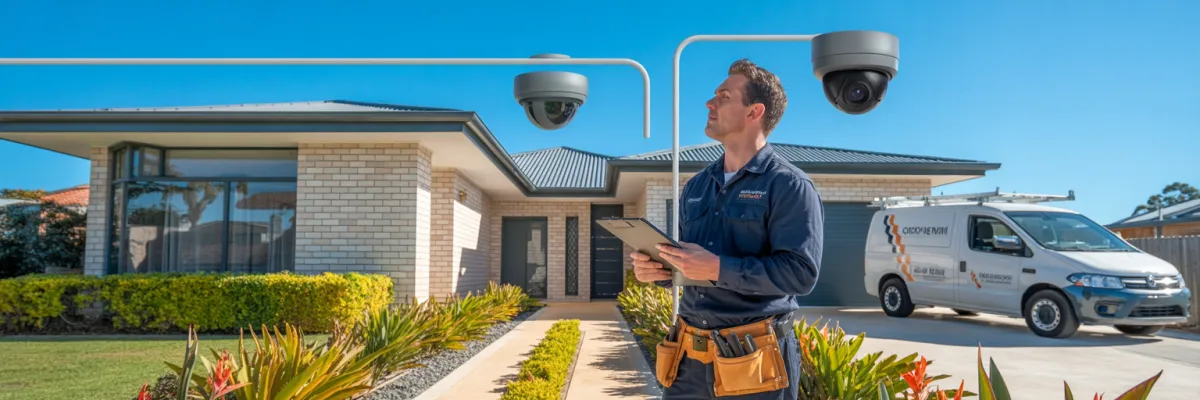
Basic Home Camera System Installation: Top 10 Brisbane Tips
It started with a post in a local Brisbane Facebook group. A neighbour noticed someone checking back gates on their street in the middle of the afternoon — while most families were at work or school. Within 48 hours, the thread had hundreds of comments and several homeowners were scrambling to find a trusted local installer.
If that sounds familiar, you're not alone. Basic home camera system installation has become one of the most searched topics by Brisbane homeowners — and for good reason. Property crime in Queensland's suburban areas remains a consistent concern, and visible cameras remain one of the most effective deterrents available.
How many cameras do you actually need? Wired or wireless? Will they survive a Brisbane summer? And who do you call? This guide cuts through the jargon and covers the top 10 things to know before, during, and after a basic home camera system installation — written in plain English, no tech degree required.
What Does a Basic Home Camera System Installation Include?
A basic home camera system installation typically includes security cameras at key entry points, a recording device (DVR or NVR), cable runs or wireless configuration, local hard drive storage, mobile app setup, professional mounting and weatherproofing, and a full handover walkthrough before the installer leaves.
Tip 1: Start With a Property Walkthrough Before You Buy Anything
This is the step most Brisbane homeowners skip — and it's the one that ends up costing them money.
Before you call an installer or browse camera kits online, walk your own property. Front to back. Side passages, driveway, back gate, garage. Take your phone and shoot a quick video as you go. You'll start noticing things you've walked past a hundred times — a dark corner by the side fence, a gate completely hidden from the street, a garage only half-visible from where the front door camera would sit.
The Queensland Police Service recommends a property security audit as the first step before any installation. Their Home Security Checklist at mypolice.qld.gov.au is worth running through before you pick up the phone. Most over-spending happens because homeowners buy cameras first and assess their coverage needs second — or never.
When you do your walkthrough, focus on five zones: front entry, driveway, side passages, back gate, and garage. Flag lighting gaps, any existing cabling from old alarm systems, and where your NBN box sits — your recording device needs to live near your router. Ten minutes with your own eyes and a notepad makes the conversation with your installer significantly more productive when you do call.
Tip 2: Choose the Right Number of Cameras for Your Home Size
Here's where a lot of Brisbane homeowners get it wrong. Either they buy a big 8-camera kit because more feels better, or they go minimal and leave half their property unwatched.
The industry standard: one camera per primary entry and exit point, plus one additional camera per identified blind spot. It's not about how many cameras come in the box — it's about whether every vulnerable area on your property is actually covered.
For a standard 3-bedroom Brisbane home, a 4-camera system is usually the minimum — front door, driveway, back gate, and one side passage. A larger 4 or 5-bedroom home on a wider block generally needs 6. Corner blocks and homes with rear lane access need additional coverage — rear lane entry is an attractive and often overlooked access point in older Brisbane suburbs.
4 cameras placed correctly will always outperform 8 cameras placed badly. Placement and angles matter far more than quantity.
Tip 3: Understand the Difference Between Wired and Wireless Systems
A wired system connects each camera to a central recording device using physical cable. Power over Ethernet (PoE) means a single cable carries both the video signal and power — no separate power point needed at each camera. The system doesn't depend on your home Wi-Fi. Footage records continuously, image quality is consistently higher, and there's no vulnerability to someone cutting your internet connection.
Wireless cameras connect to your home Wi-Fi and record either to a local NVR wirelessly or to the cloud. Setup is faster with no cable runs required — reasonable for rental properties or temporary setups. The trade-off is real though: wireless is only as reliable as your Wi-Fi signal.
Brisbane's storm season runs roughly November through March. Heavy rainfall, lightning, and power fluctuations are common — exactly the conditions under which a Wi-Fi dependent system is most likely to drop out.
For most Brisbane families on a home they own, wired wins. For renters or temporary setups, wireless is workable — just go in with realistic expectations.
Tip 4: Factor in Brisbane's Climate Before Selecting Your Cameras
What works fine in Melbourne or Sydney can genuinely fail in Queensland. Brisbane summers are brutal on electronics — temperatures regularly exceed 35°C, storm season brings heavy rain and hail, and UV exposure year-round is among the highest in the country. A camera housing that looks fine on a product page can yellow, crack, and fail if it's not rated for Queensland conditions.
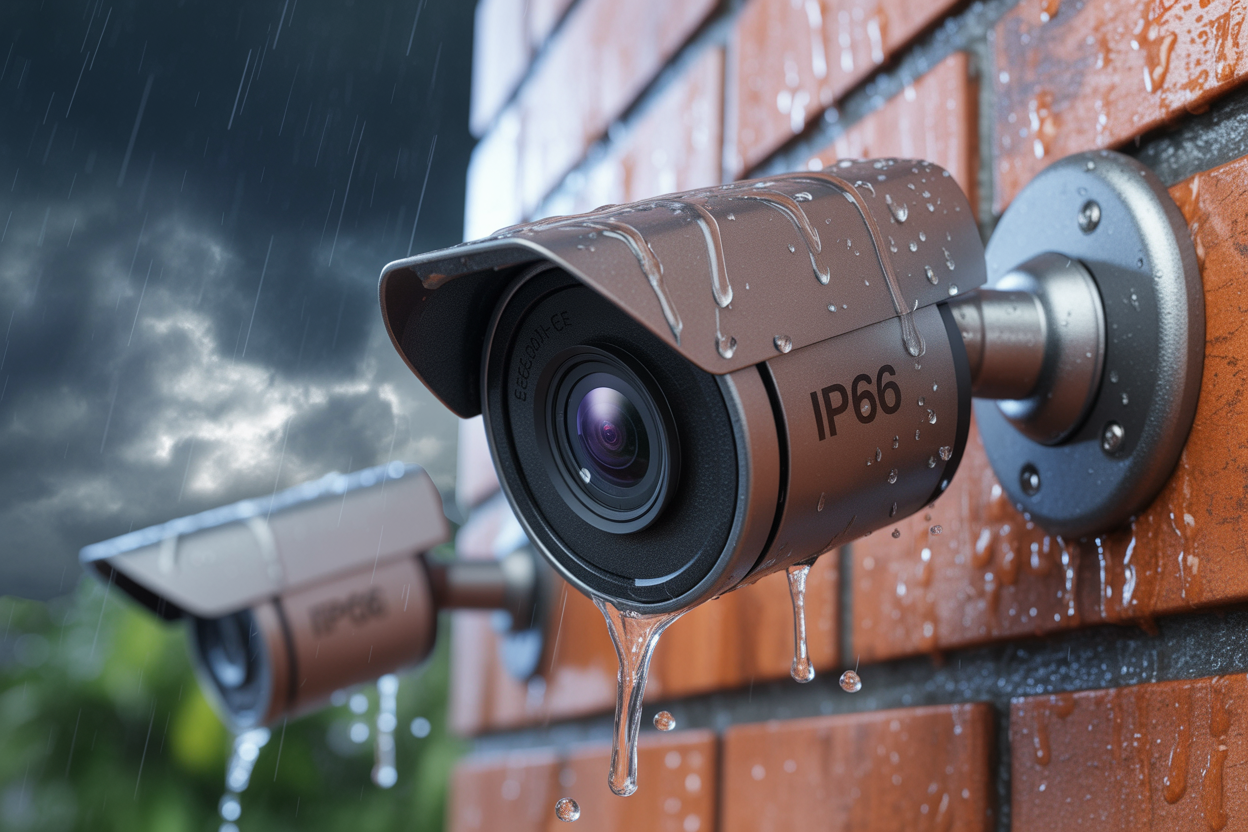
Every outdoor camera has an IP rating — like IP65, IP66, or IP67. The second digit is the one that matters. A rating of 5 handles water jets from any direction. A rating of 6 handles powerful, wind-driven rain — think a Queensland storm. IP66 is the minimum you should accept for any outdoor camera in Brisbane. Don't let anyone talk you into IP65 as "good enough" — in this climate, it often isn't.
UV exposure makes cheaper plastic housings yellow and crack over time, letting moisture in. Look for UV-stabilised housings in the product specs. Metal housings are inherently more UV-resistant for roof-mounted or fully exposed positions.
On heat: a camera on a north-facing roofline can reach internal temperatures well above the air temperature on a hot summer afternoon. Always check the operating temperature specification — cheaper units are often rated too low for a Queensland summer.
Tip 5: Plan Your Cable Routes Before Install Day
Most homeowners don't think about this until the installer is already standing in their hallway. A bit of pre-planning can meaningfully reduce your costs and make the whole job run smoother.
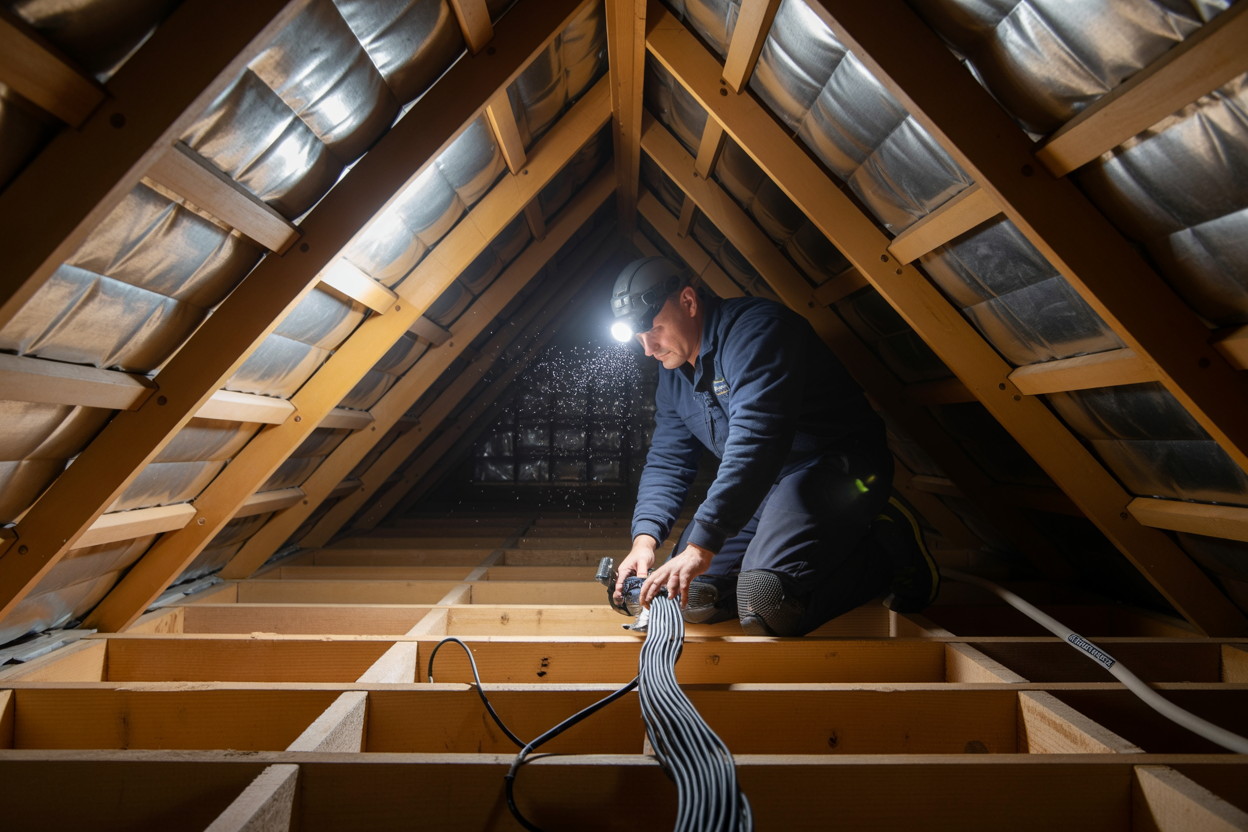
The most efficient cable route for most Brisbane homes is through the roof cavity — clean, weatherproof, and no external conduit visible from the street. High-set Queenslanders are the easiest to work with, since the underfloor cavity gives installers a second routing option. Brick veneer homes common across Brisbane's newer suburbs require core drilling through the veneer — standard practice, but it adds complexity that should be reflected in your quote. If it's not mentioned, ask why.
For wireless systems, download a free Wi-Fi signal mapping app and walk your property before install day. Weak zones are common at back gates, detached garages, and the far end of long driveways — exactly where you most want coverage. Flag dead zones when you book so your installer can plan a solution.
Tip 6: Understand Local Storage vs. Cloud Storage
This is the one that catches Brisbane homeowners off guard most often. The system looks affordable, the quote seems reasonable, then a monthly subscription fee appears on the credit card that nobody properly explained upfront.
Local storage means footage records directly onto a hard drive inside your NVR or DVR, sitting in your home. No third party, no monthly fee, no internet required for recording. Your footage is fully owned by you with no risk of third-party data breaches. Most reputable Brisbane installers recommend this as their standard residential setup.
Cloud storage uploads footage to a remote server. The main benefit: footage survives even if someone takes your recorder. The downside is ongoing subscription fees that add up significantly over the years, and footage stored under someone else's data policies.
A hybrid approach — local NVR with cloud backup on selected angles like the front door and driveway — is a sensible middle ground for families who travel regularly and want offsite backup without paying cloud fees across every camera.
Tip 7: Know Your Legal Obligations as a Brisbane Homeowner
Under Queensland's Invasion of Privacy Act 1971, you're entitled to install cameras on your own property and record your own land. What you can't do is position cameras that capture areas where neighbours have a reasonable expectation of privacy — their back yard, bedroom windows, or movements on their side of a shared boundary.
This is largely an angles issue. Wide-angle lenses pull in more peripheral coverage than product images suggest. A reputable installer adjusts angles and uses privacy masking in the camera software to black out portions of the frame outside your property boundary. If your installer doesn't raise this, ask about it directly.
Residential CCTV signage is not legally required in Queensland for a private home — but most security professionals recommend putting one up anyway as a deterrent and to prevent neighbour complaints before they start.
Footage captured on your own property is legally yours and can be submitted to Queensland Police as evidence. The Office of the Information Commissioner Queensland at oic.qld.gov.au has guidance on responsible residential surveillance worth reading before install day.
"Your footage, your property, your rights — but only if your cameras are pointed in the right direction."
Tip 8: Get the Right Quotes — and Know What to Compare
Getting multiple quotes is the right move. But if you don't know what a good quote looks like, you can end up comparing apples with completely different fruit.
A properly itemised quote should break down every component separately — camera hardware with make and model, recording device with storage capacity, cabling and mounting hardware, labour, app setup, system handover, and warranty terms for both hardware and workmanship. If any of those line items are missing, ask for them before you compare.
Red flags to watch for: a quote without a site visit is either a guess or a setup for extra charges on the day. A lump-sum quote with no breakdown makes it impossible to know what you're actually paying for. And any installer who says the price is only available if you book today is using a tactic, not running a trustworthy business.
Tip 9: Ask These 5 Questions Before You Book Any Installer
Brisbane has no shortage of people willing to install security cameras. The range of experience, licensing, and accountability varies enormously. These five questions separate the professionals from the ones you'll regret booking.
Are you licensed and insured in Queensland? Electrical work on a hardwired system must be performed by a licensed electrician — that's a legal requirement. Security installers should also hold a licence under the Security Providers Act 1993. Ask for both licence numbers and verify them.
Do you offer a workmanship warranty? Product warranty covers hardware. Workmanship warranty covers the quality of the installation itself. A reputable installer should offer a minimum 12-month workmanship warranty, separate from the manufacturer's product warranty. Get it in writing.
Will you provide a site assessment before quoting? A professional quotes after seeing your property, not before. Willingness to walk your property first is a basic indicator of professionalism.
Can I see examples of installs you've completed nearby? Photos of completed local installations tell you more than a logo on a website. Installers with genuine Brisbane experience will have this material readily available.
What happens if a camera fails after installation? A clear, confident answer about warranty process and response time is what you're looking for. Vagueness or immediate talk of call-out fees is telling.
ASIAL — the Australian Security Industry Association Limited — maintains a directory of accredited installers at asial.com.au. A quick cross-reference before you commit is a worthwhile check.
Tip 10: Set Up Your App and Test Your System on Install Day
A security camera system you don't know how to use isn't really protecting anything. Don't let your installer leave until this is done properly.
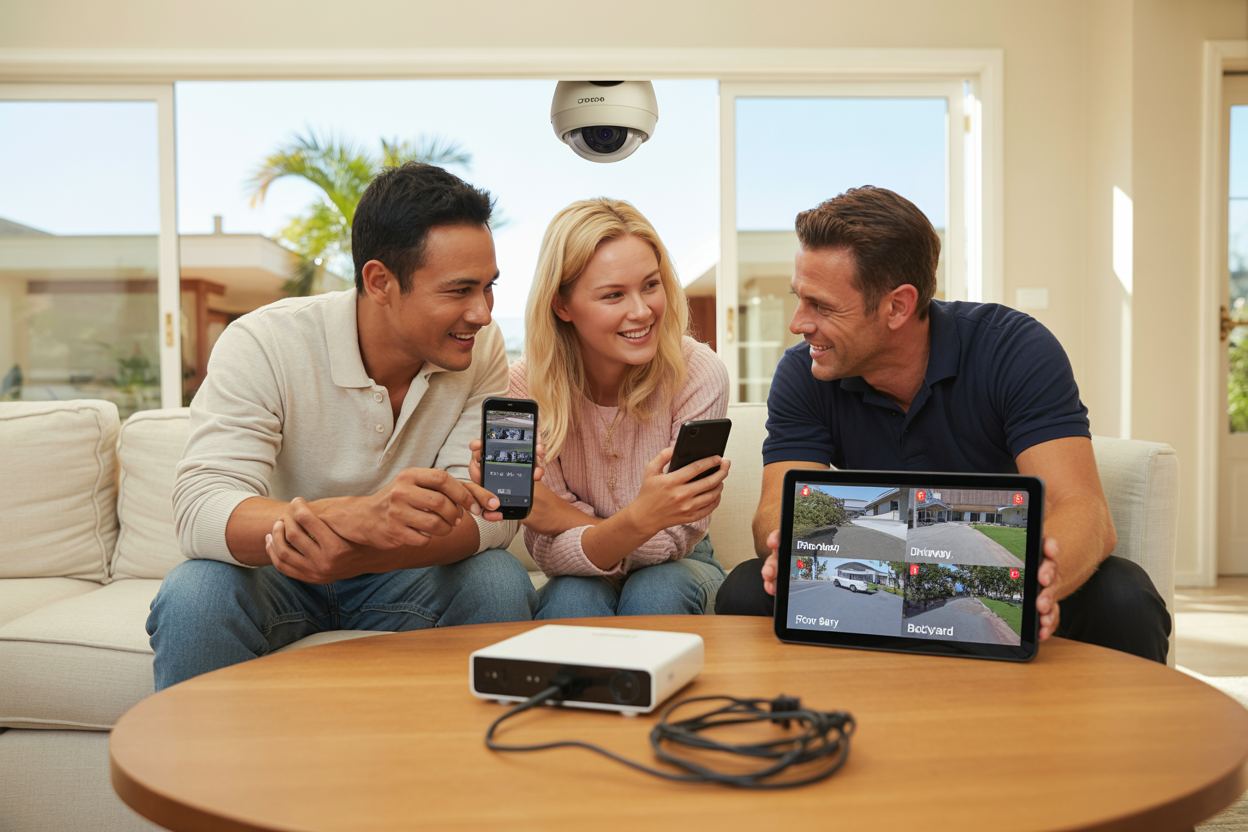
Before sign-off, your installer should walk you through accessing live footage, navigating the recorded footage timeline, and what each indicator light on the NVR or DVR means during normal operation.
Motion detection zones need to be calibrated on the day — an unconfigured system will trigger alerts for passing cars, branches in the wind, and the very Brisbane-specific issue of possums and ibis setting off driveway cameras overnight. Use the motion zone feature on systems like Hikvision, Dahua, and Uniview to define exactly which portion of each camera's frame triggers an alert. Start sensitivity on medium and adjust only if you're missing real events.
Before the installer leaves, three tests should happen. First, night vision — confirm each camera produces a clear image in low light. Second, motion alerts — walk through each camera's field of view and confirm the alert arrives on your phone promptly. Third, remote access on mobile data — turn off your Wi-Fi and confirm you can pull up a live view on 4G or 5G. This is the test most people forget, and it's the one that matters most when you're at work or away from home.
Finally, set up a second user account for your partner on install day. Most professional-grade systems support multi-user access. Two minutes now saves a frustrating evening later.
Conclusion
A basic home camera system installation doesn't need to be complicated — but it does need to be done right. The ten tips in this guide cover everything from walking your property before you spend a cent, to making sure your app is fully tested before your installer leaves. Get those fundamentals right and you'll end up with a system that genuinely protects your home, holds up through Brisbane's summers and storm seasons, and gives you the kind of peace of mind that's hard to put a dollar value on.
The families who now get a notification every time someone walks up their driveway. The homeowner who checks her front door camera from anywhere in Australia while her husband travels for work. The parents who know their kids got home safe because they watched it happen on their iPhone. That's what a well-planned, professionally installed system delivers — not just footage, but confidence.
If you're ready to stop putting it off, the next step is straightforward. Book a free, no-obligation property assessment with our Brisbane installation team. We'll walk your property, identify your blind spots, recommend the right number of cameras for your home size, and give you a fully itemised quote — no jargon, no hidden costs, no pressure.

